

Students are not required to change their password after activation, as they do not have the permission to update it themselves. If a password change is needed, students must contact the school administration or request their parents to update the password through the parent login.
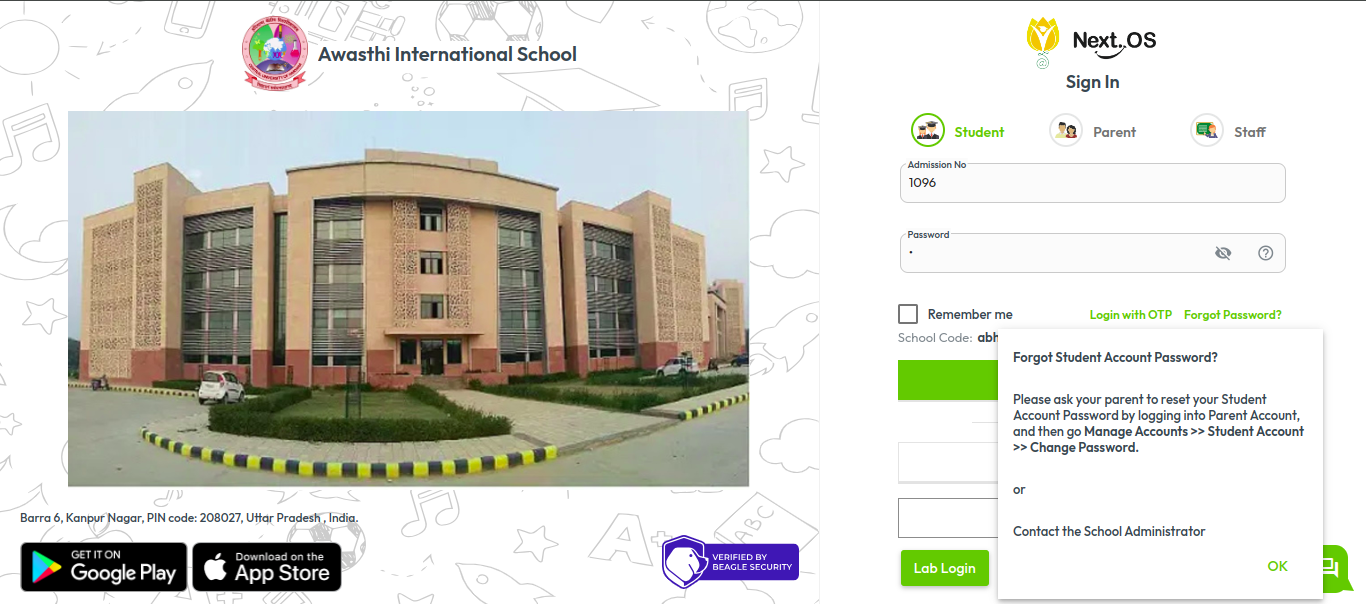
You may guide students with the following message:
Please ask your parent to reset your Student Account Password by logging into the Parent Account, then go to:
Manage Accounts > Student Account > Change Password.
OR
Please contact the School Administrator.”
Was this article helpful to you?
Yes5
No4