

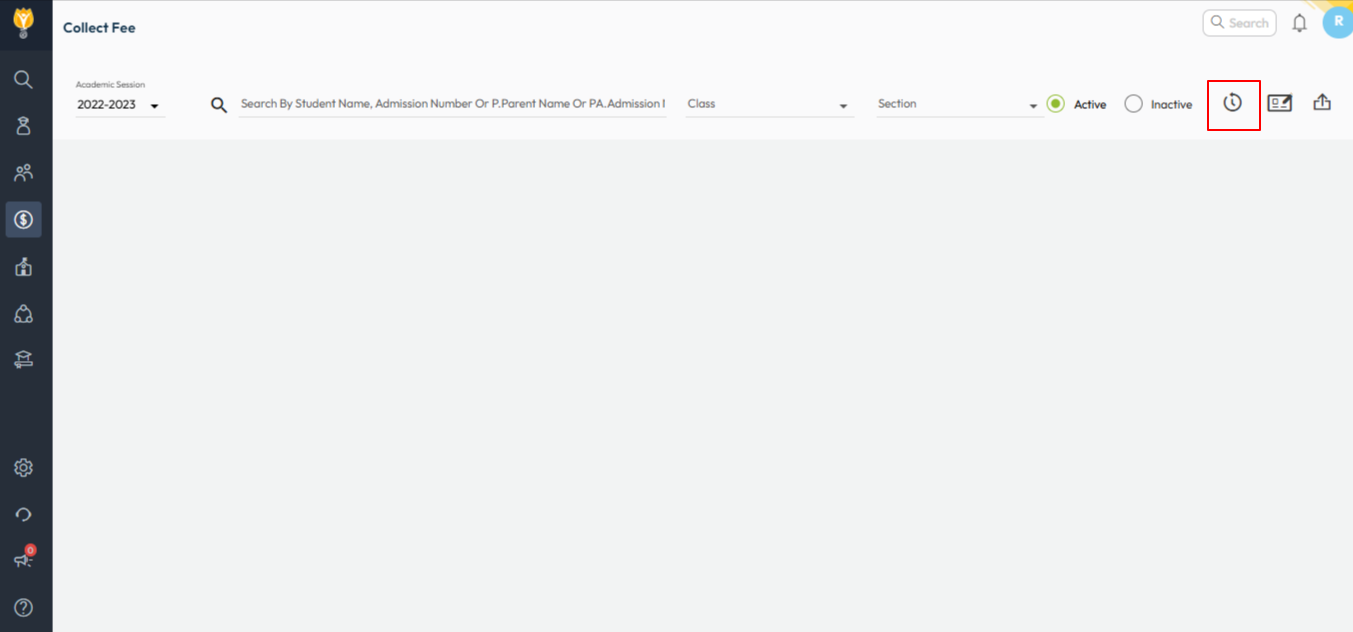
- Navigate to Finance > Fee > Collect Fee
- Click on Receipts History icon.
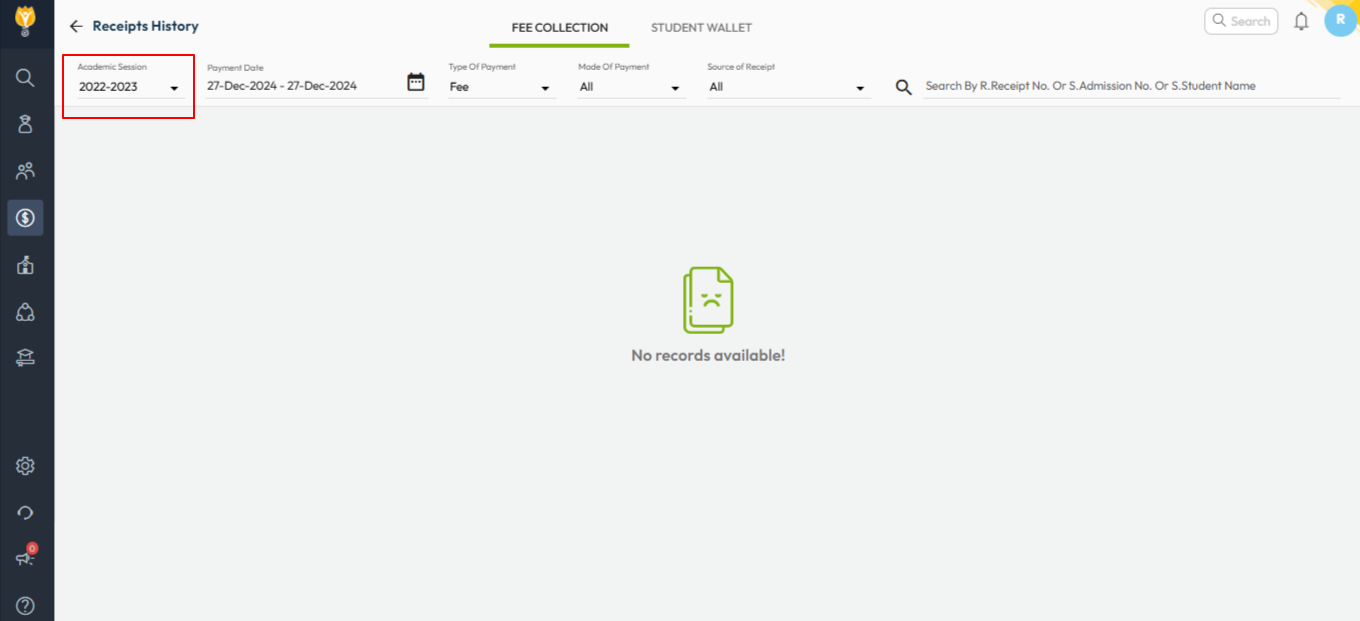
- Choose the required academic session.
- Enter receipt dates, the list of created receipt will display.
- Additionally, you can search with the receipt number, student name admission no. etc.
Video Tutorial :
Was this article helpful to you?
Yes0
No1