

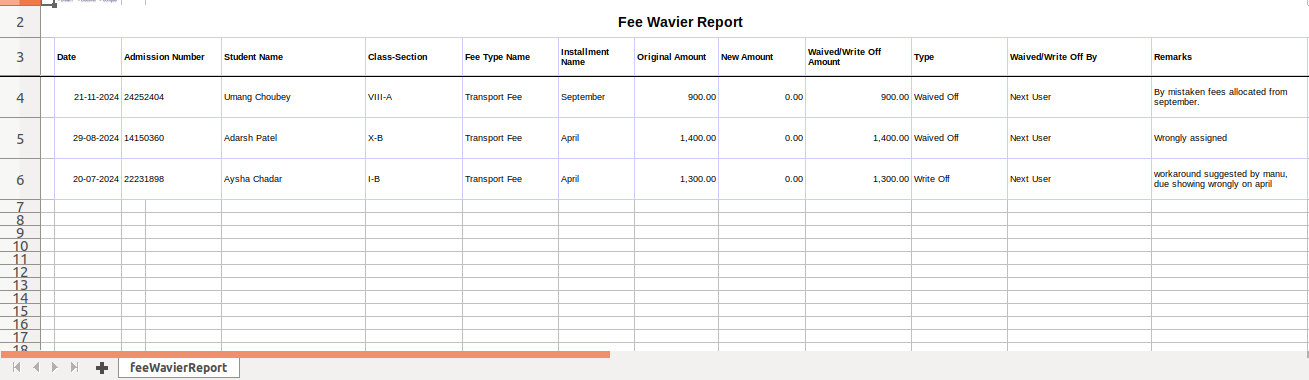
We can fetch the details of the student for whom the fee has been waived using Fee waived off Report.
Steps to Generate the Report
- Navigate to Finance > Fee > Fee Reports
- Locate the Fee Waived Off Report.
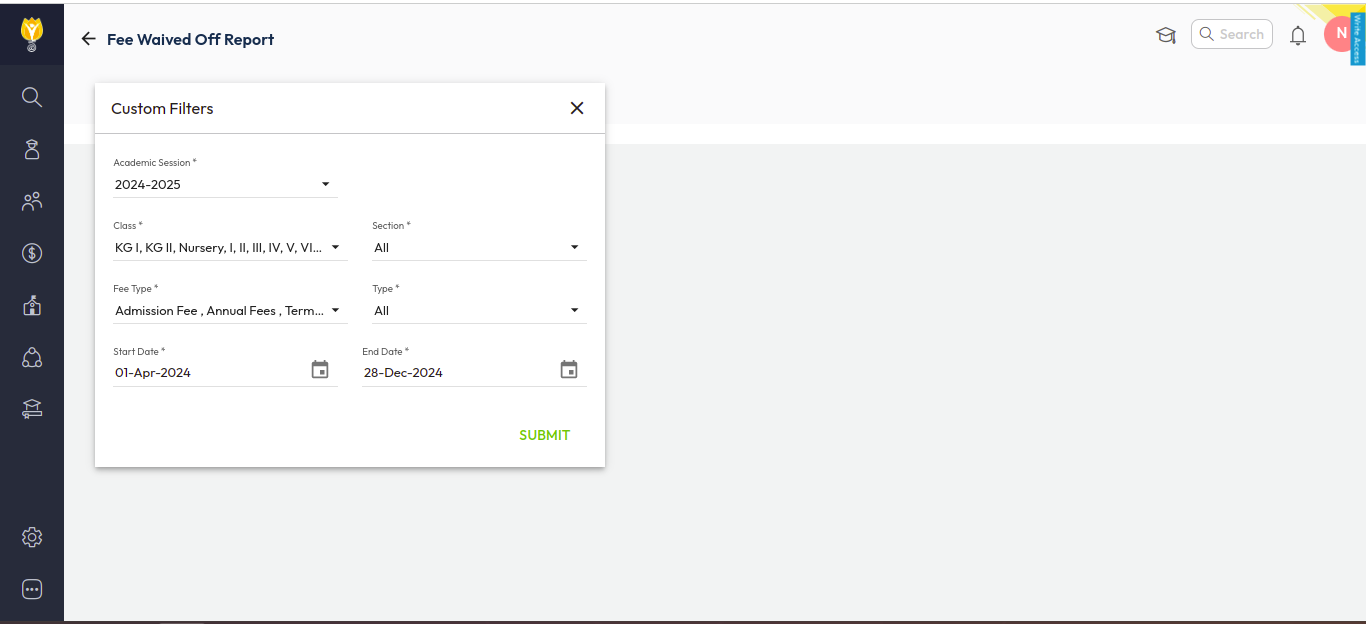
- Set the filters as per your requirements, such as specific class, fee type, and dates.
- Click Submit to generate and download the report.
Was this article helpful to you?
Yes0
No0