

You can stop fine generation for partially paid fees by configuring the fine settings. Follow the steps below:
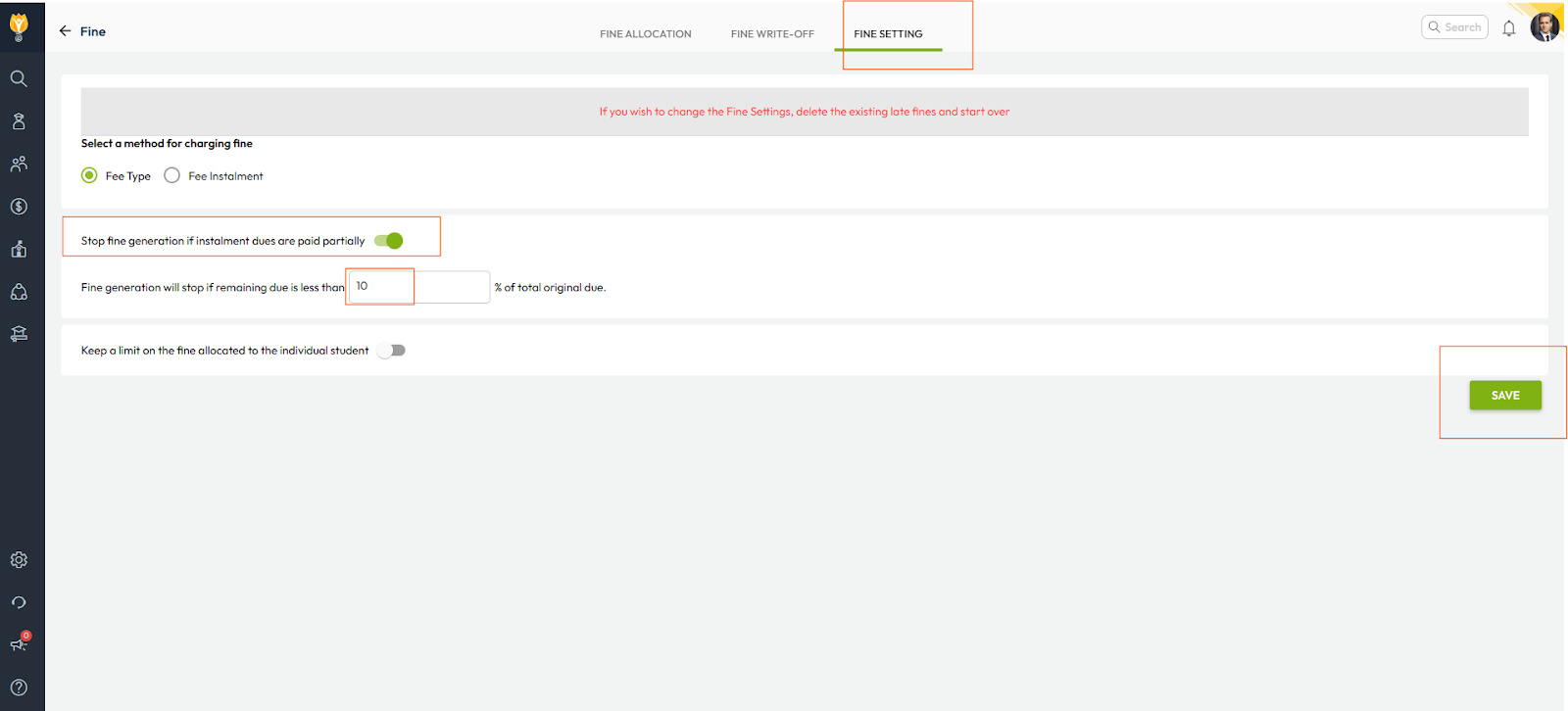
- Navigate to Settings > Finance > Fee > Fine > Fine Settings
- Enable the option “Stop fine generation if installment dues are paid partially”
- Set the percentage of remaining dues (for example, 10%)
- Click Save to apply the changes
This ensures that fines are not generated when a student’s remaining dues are less than 10% of the original fee amount after partial payment.
Video Tutorial :
Was this article helpful to you?
Yes0
No0