

 > Attendance > Student Attendance
When the majority of the students in a class are present, the whole class can be marked Present in a single step, and only the exceptions changed afterwards.
- Open the Mark Attendance page for the required class, section and date.
- Select Mark all Present in the panel on the right of the page. All the students in the list are marked Present.
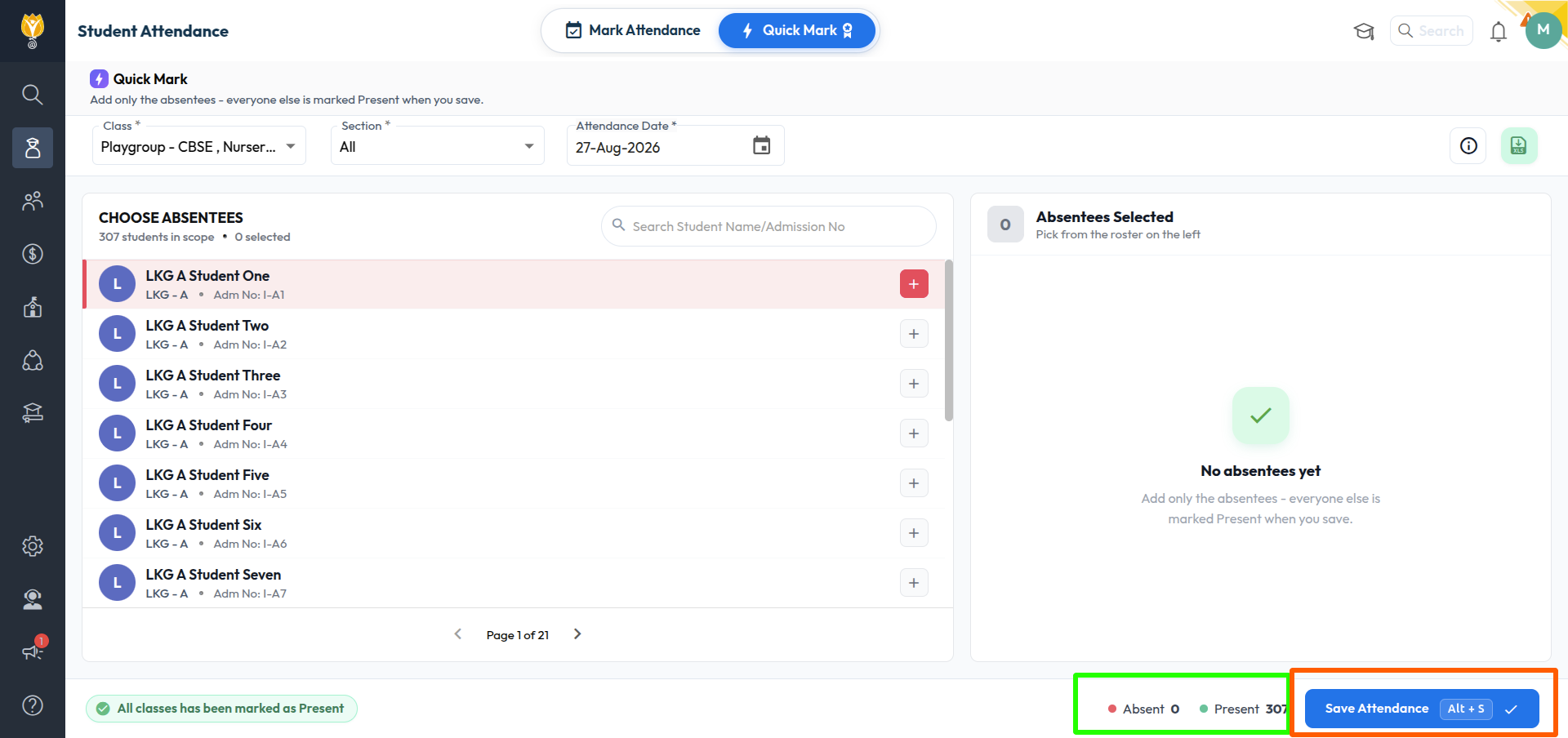
- Change the status of the students who are absent or on half day, using the A or HD buttons against those students.
- Click SAVE.
NOTE:
- The status counts in the right panel update as you make the changes, so the Present and Absent numbers can be verified before saving.
- To mark attendance for several classes at once, use the Quick Mark mode instead.
Was this article helpful to you?
Yes0
No0