

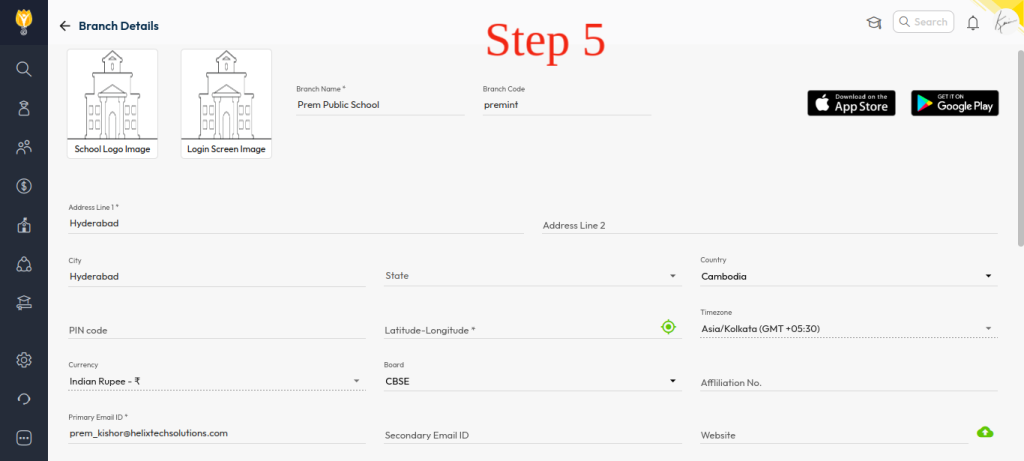
Header details such as school name, address, and branch information are fetched from the Branch Details section. To update them:
- Navigate to Settings > Administration > School Setup
- Open Branch Details
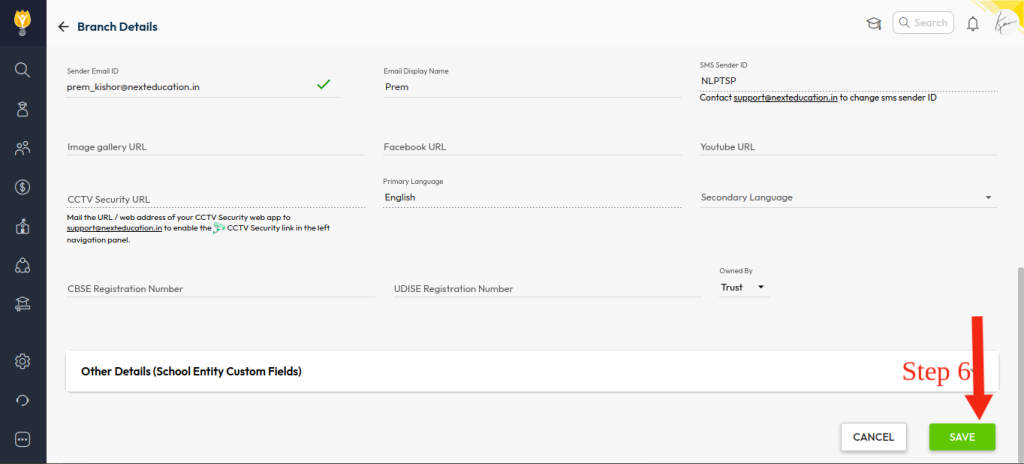
- Update the required fields (e.g., address, contact details, branch information)
- Click Save
Once updated, the latest details will automatically reflect on the Fee Challan header during generation — ensuring consistency across all printed challans
Video Tutorial :
Was this article helpful to you?
Yes0
No0