

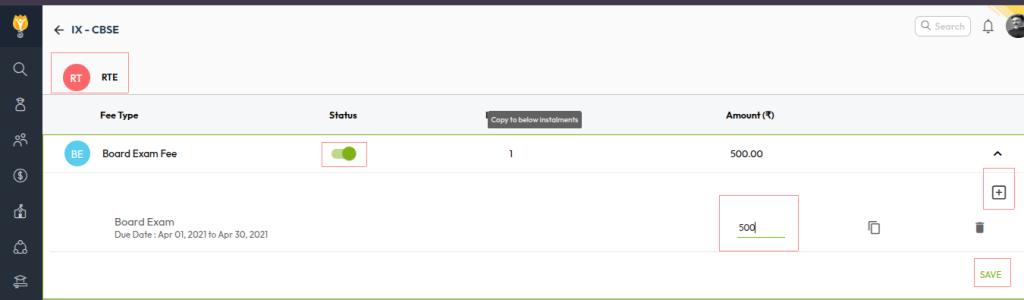
Any fee head created in the fee module applies to all fee categories by default unless it is disabled for a specific category. Therefore, once the Board Exam Fee type is created, you can map installments and configure the amount for the RTE category through the Fee Structure.
Steps to Configure for RTE Category
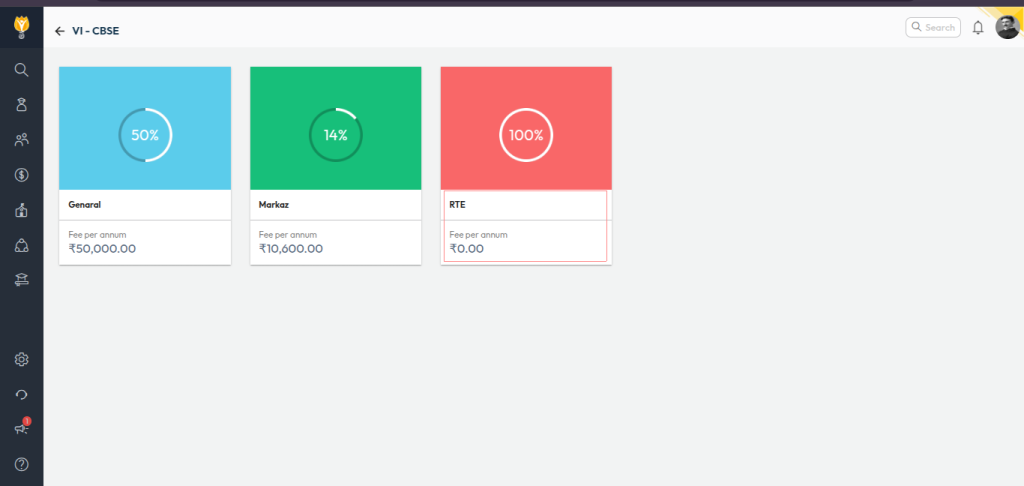
- Navigate to: Settings > Finance > Fee > Fee Structure
- Select the relevant Class, then click on the RTE Category
- Configure the Installment and update the Fee Amount against the Board Exam Fee
- Click Save to apply the changes
Video Tutorial :
Was this article helpful to you?
Yes0
No0