

You can recharge a student’s wallet directly from the fee collection screen by recording the cash payment.
- Navigate to Finance > Fee > Collect Fee.
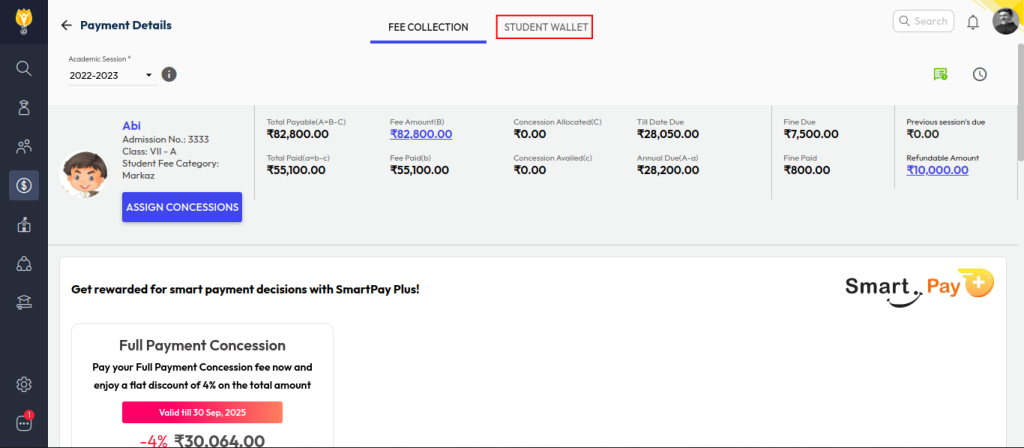
- Select the academic session and search for the student by name or admission number.
- Choose the Student Wallet option.
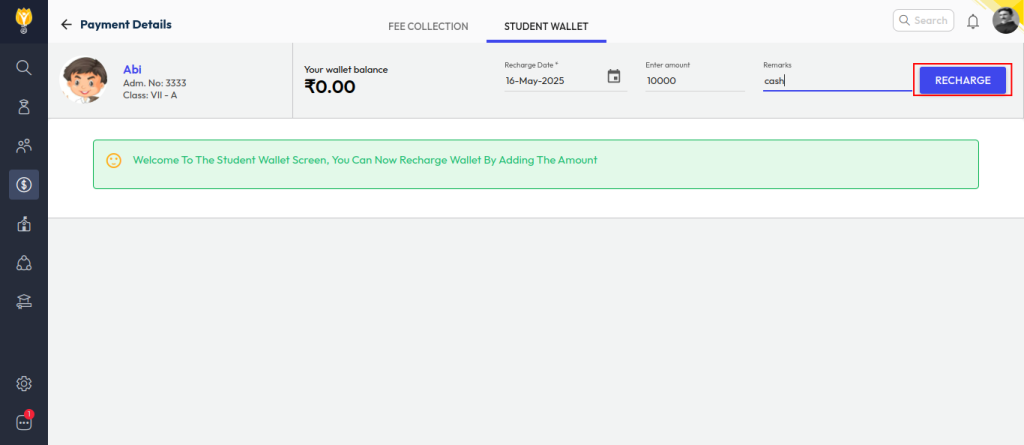
- Enter the amount and add remarks for reference.
- Click Recharge, select Cash as the payment mode, and confirm the transaction.
Video Tutorial :
Was this article helpful to you?
Yes0
No0