

If fee collection has already started, changing a student’s fee category may require doing adjustments or refunds so the accounts stay correct. If fee collection has not started yet, category changes are much easier — for example, when the school is moving to a new academic year and needs to update or map categories for many students at once.
Steps to Change/Assign Categories in Bulk
- Navigate to Settings > Finance > Fee.
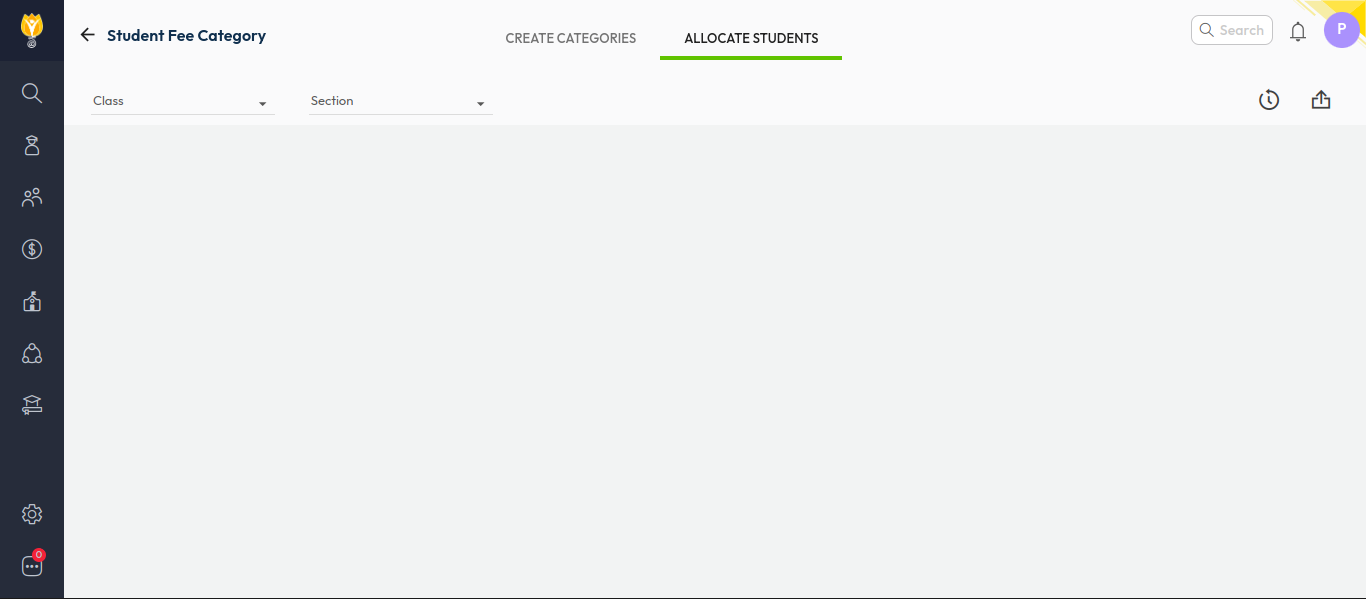
- Select Student Fee Category.
- Click Allocate Students.
- Click the Bulk option in the top-right corner.
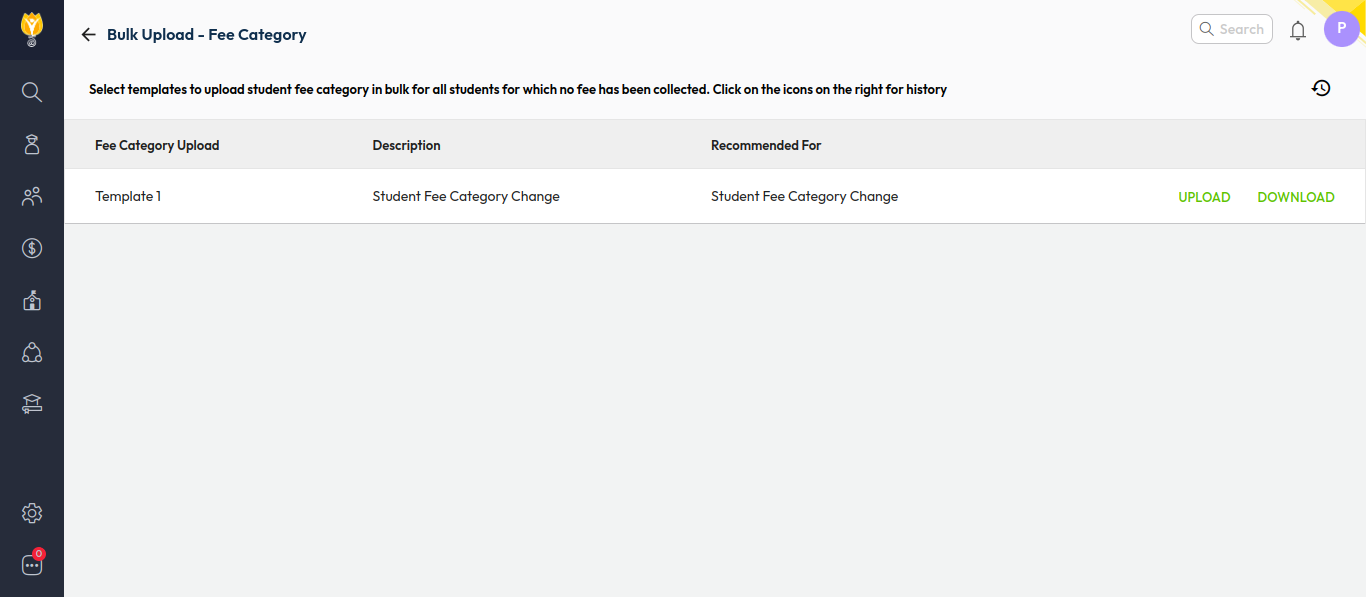
- Download the Excel template.
- Update the category details for the required students.
- Return to the same screen and click Upload to import the updated Excel file.
Video Tutorial :
Was this article helpful to you?
Yes0
No0