

Parents can check the payment status by logging in to their account through the NextOS mobile app or web portal.
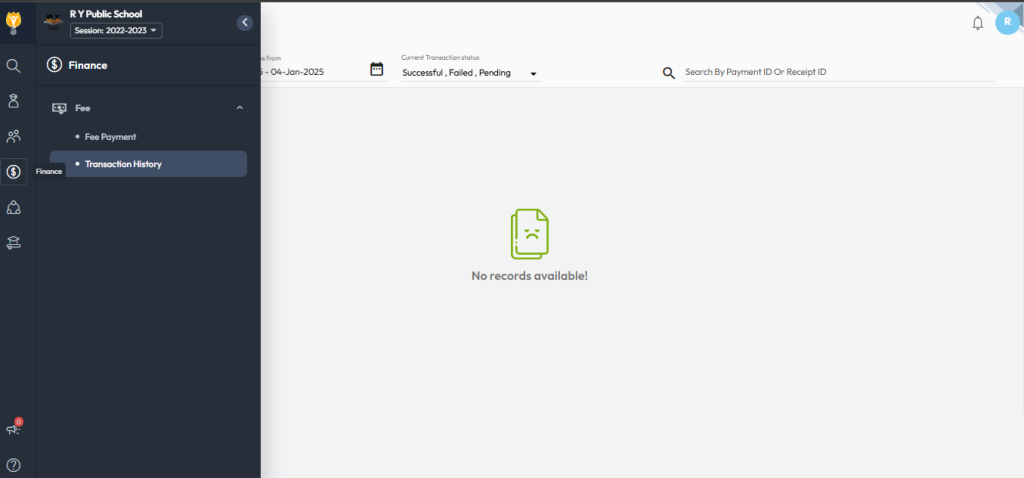
- After logging in, navigate to Fee and select Transaction History.
- Select the required academic session. You can also apply filters such as date range and transaction status.
Video Tutorial :
Was this article helpful to you?
Yes0
No0