

NFC cards can be used to mark attendance when students board or get down from a vehicle. This works with NFC-supported mobile devices used by transport staff.
Steps to enable NFC cards for transport attendance
- Navigate to Settings > Administration > School Setup.
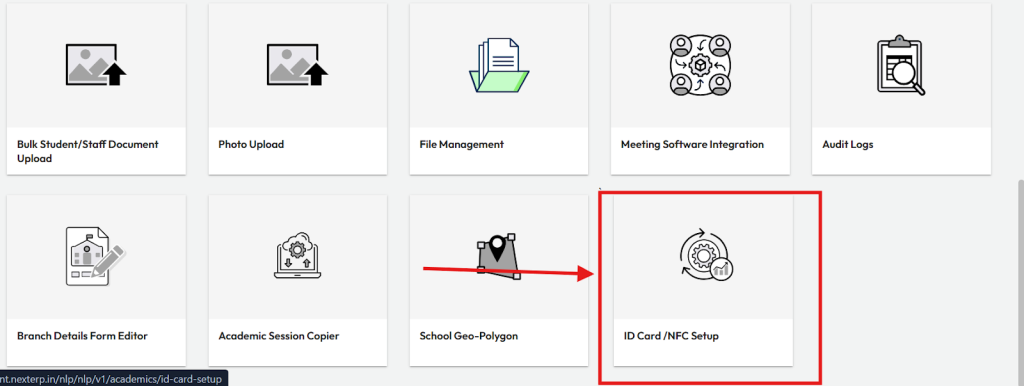
- Click on ID Card / NFC Setup.
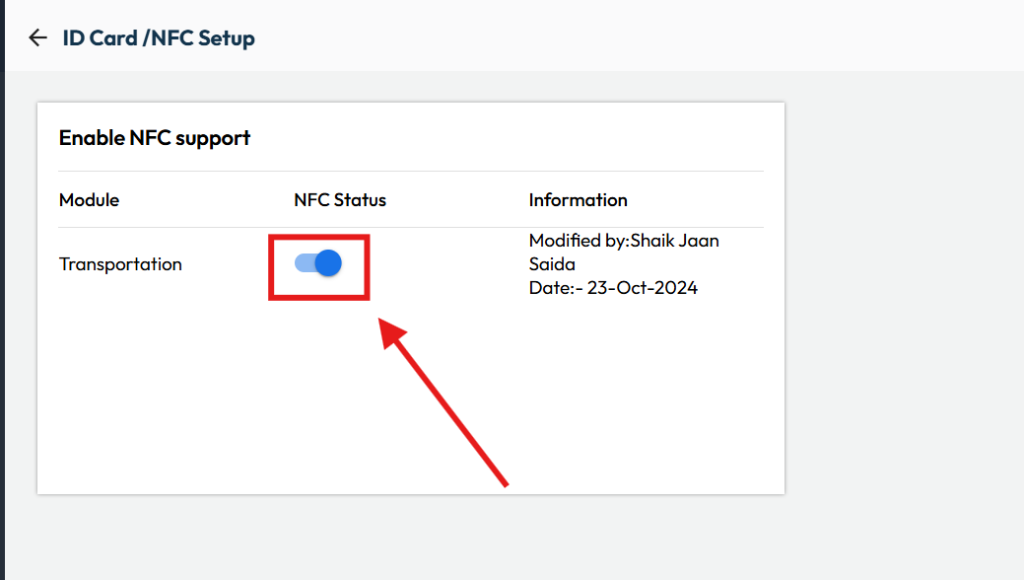
- Enable the NFC Status for the Transportation Module.
- Save the changes.
Once enabled, the NFC card must be configured and issued to students, and transport staff should use NFC-enabled mobile devices to scan cards and mark attendance during pickup and drop-off.
Video Tutorial :
Was this article helpful to you?
Yes0
No0