

- Navigate to Settings > Student > Examination > Report Card Builder.
- Give Name and map the Classes and click on create
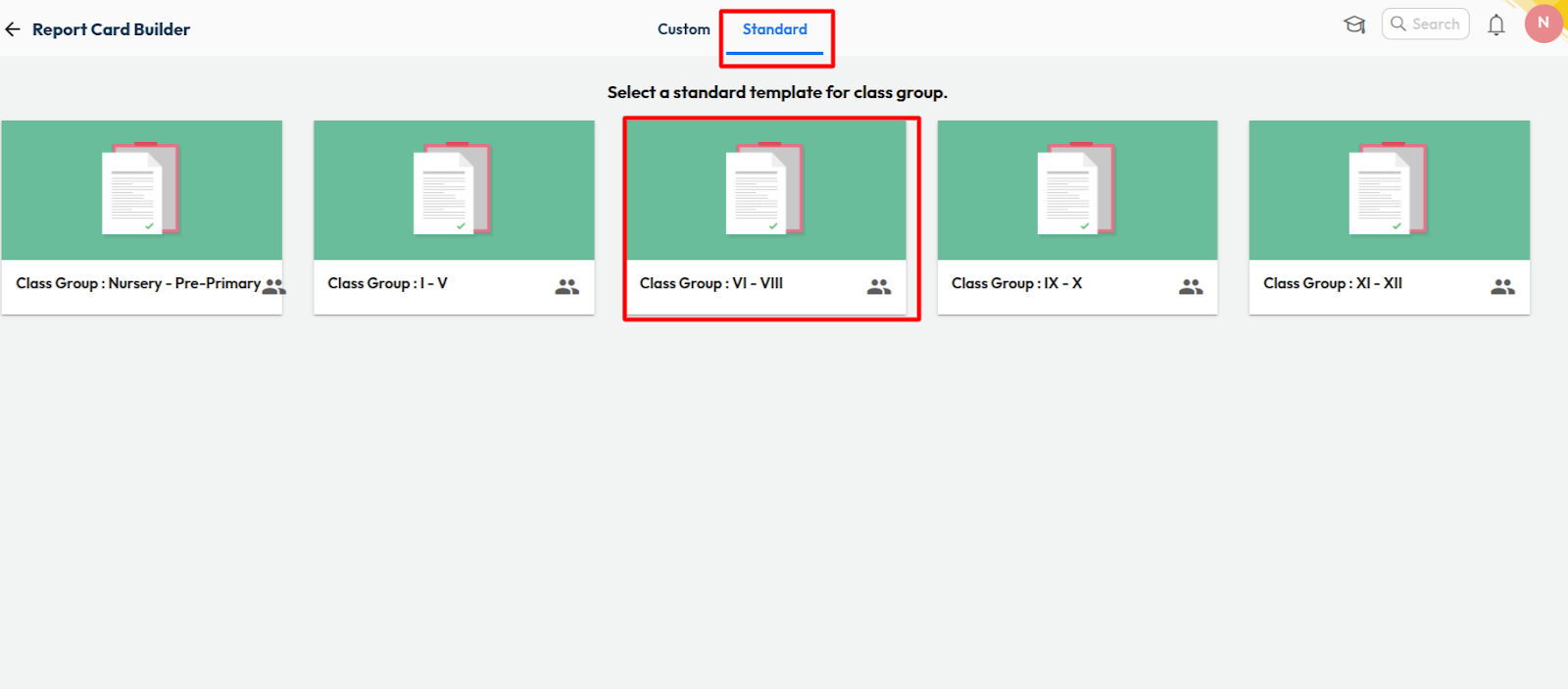
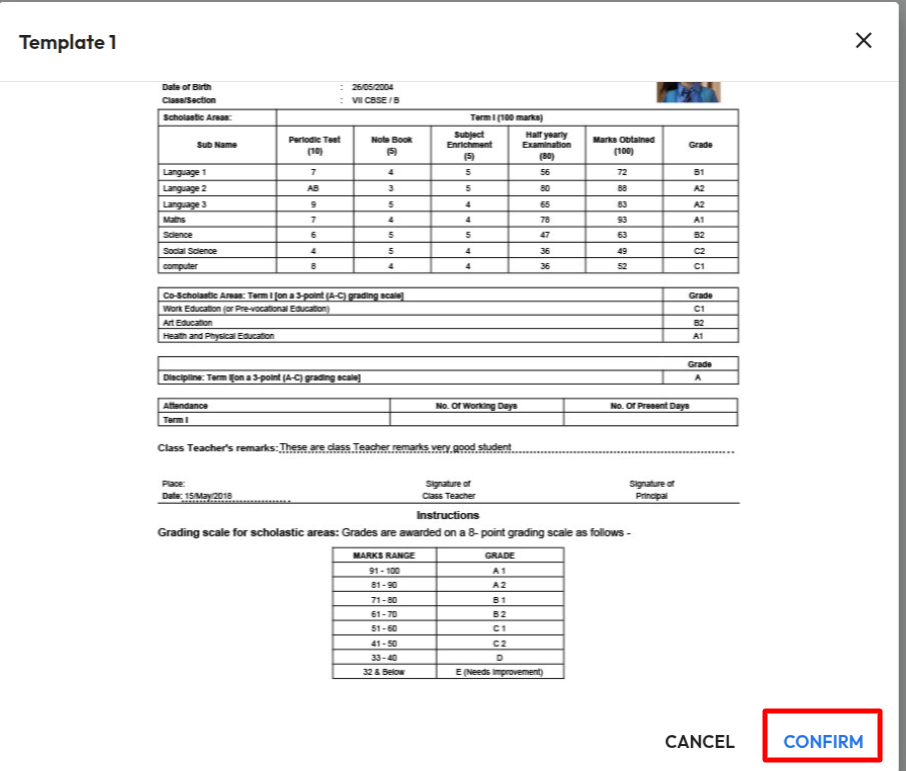
- Click on “Standard” > Select the class group > Choose the template > Confirm
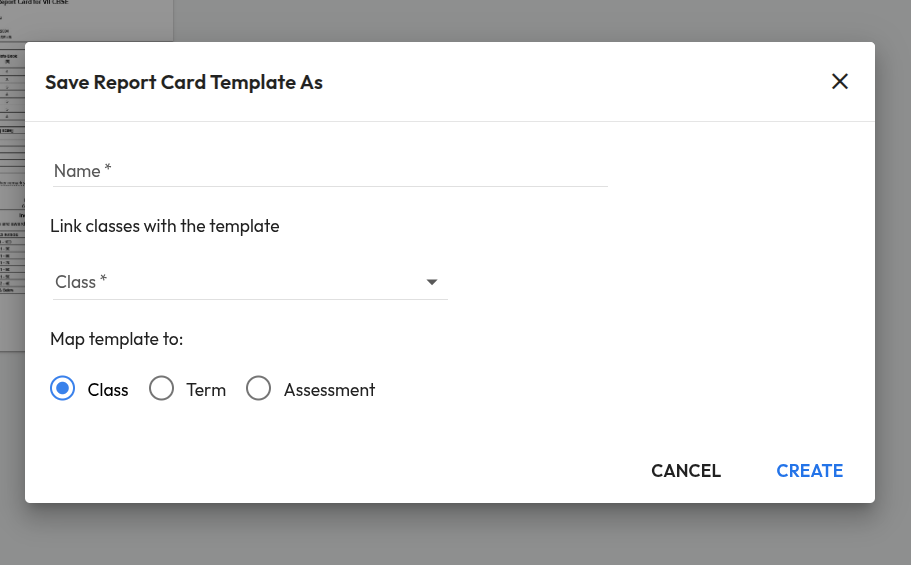
- Provide a name for the report card template > Link the classes with the template
- Map the template to Class/Term/Assessment > Create.
Was this article helpful to you?
Yes0
No0