

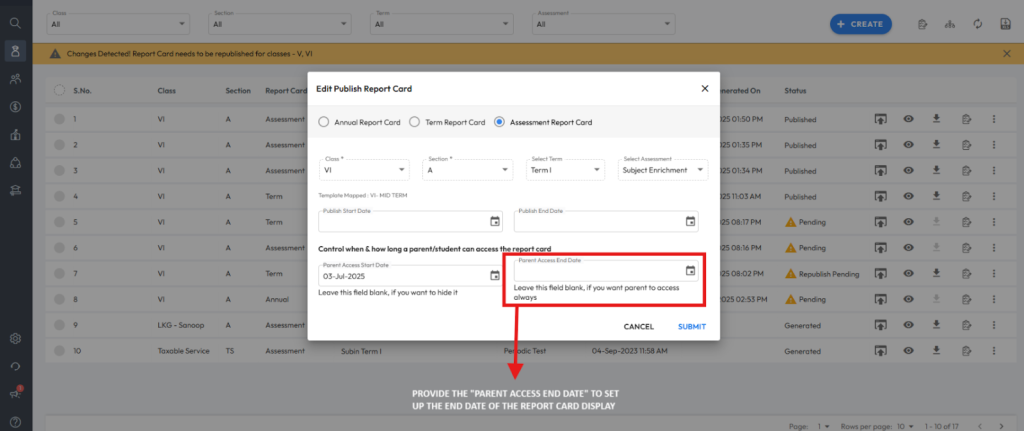
You can limit the report card visibility for parents by setting a Parent access end date during the report card publishing process.
- Navigate to: Student > Examination > Report Card Publish.
- Click on the three dots next to the published report card.
- Click Edit, and update the parent access end date.
- Click Submit to apply the changes.
Was this article helpful to you?
Yes0
No0