

 > Settings > Admission > Pipelines & Stages > select pipeline
Stages appear in the order shown in the STAGES panel. This order is used on the Admissions board and in the applicant portal.
- Hover over the stage you want to move.
- Drag it by the handle on its left to the new position.
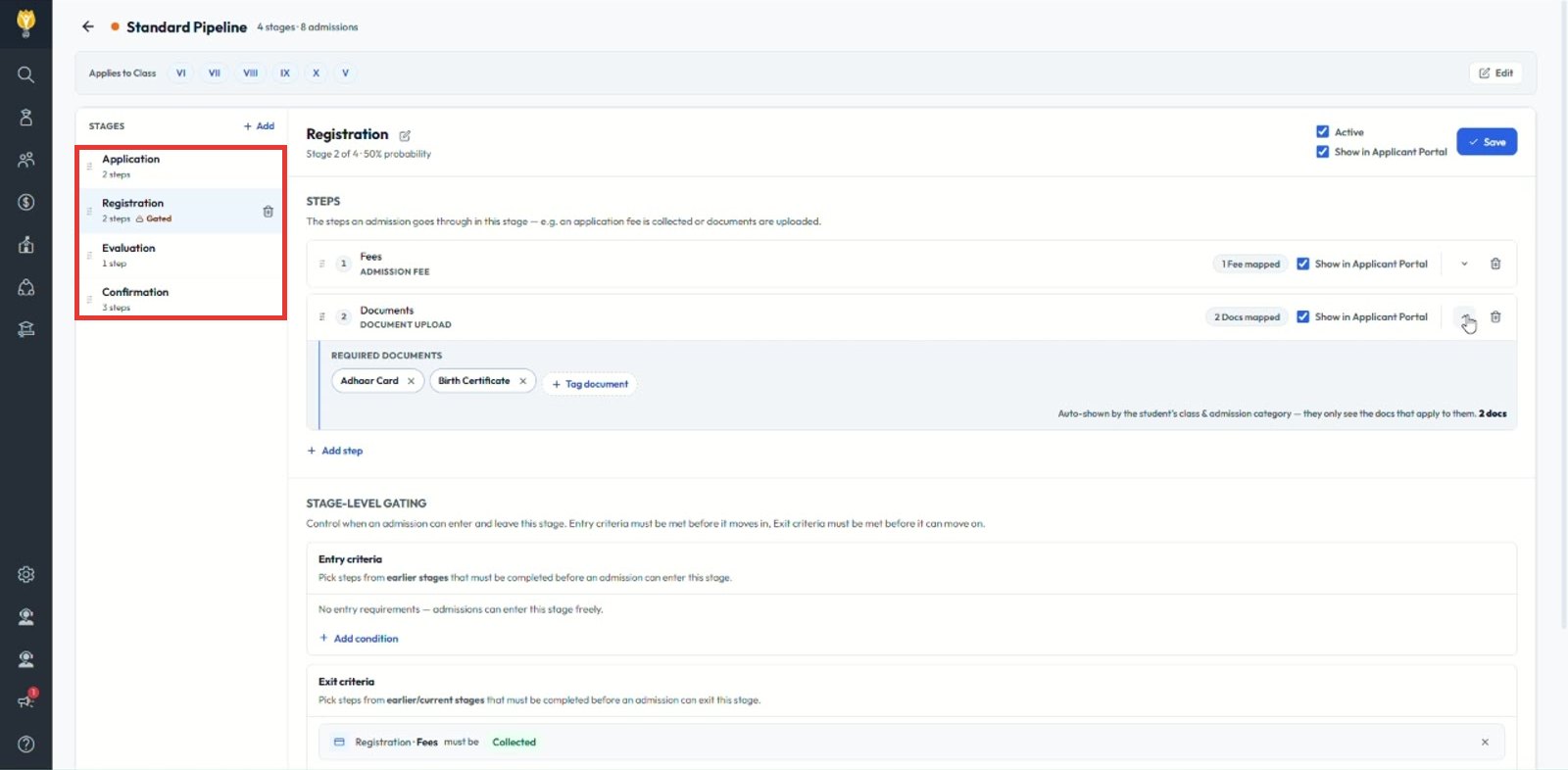
Note: Win probability updates to match the new position.
Was this article helpful to you?
Yes0
No0