

School Feed > + > Choose Recipients
- On the Create Post screen, click Choose Recipients.
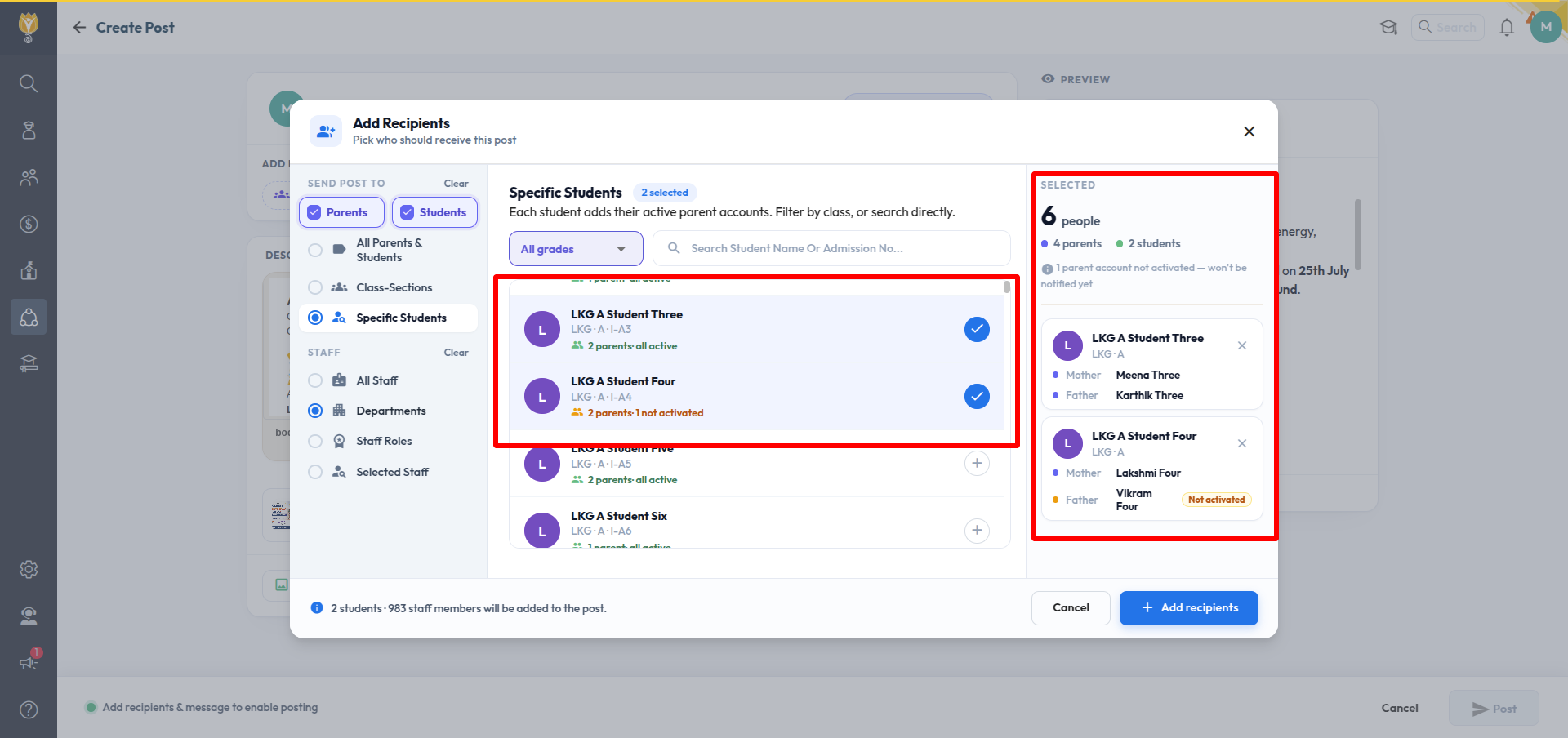
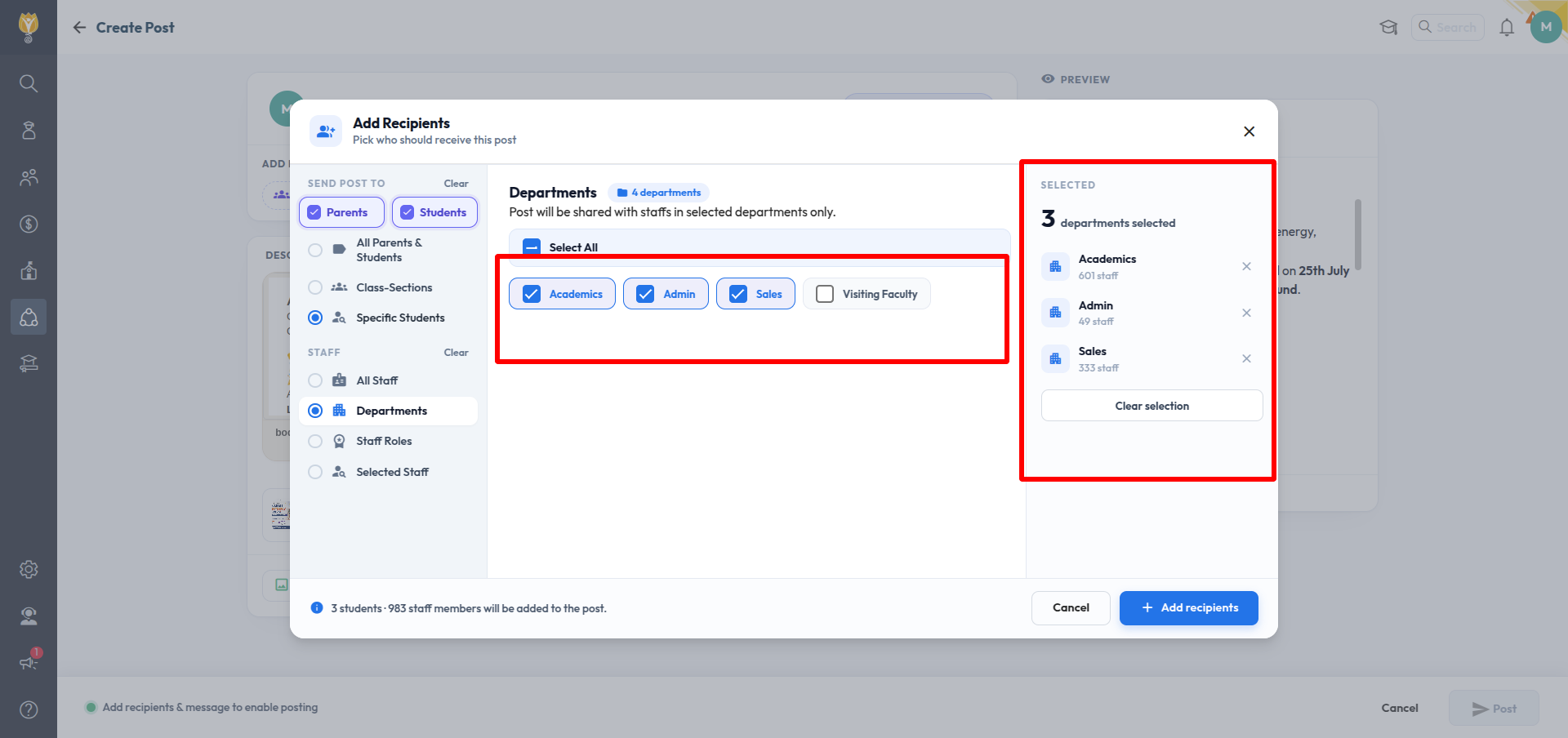
- In the Add Recipients window, pick your audience from the left panel.
Send post to — for parents and students
First tick Parents, Students, or both. Then choose one:
- All Parents & Students — everyone across every class
- Class-Sections — pick specific classes and sections
- Specific Students — pick individual students
Staff
Choose one:
- All Staff
- Departments — pick specific departments
- Staff Roles — pick specific roles
- Selected Staff — pick individual staff members
- Your selections appear on the right, with a count for each.
- Click Add recipients.
Was this article helpful to you?
Yes1
No0