

 > Settings > Admission > Lead scoring
Leads are scored automatically as they move through the pipeline, submit forms and respond to follow-ups. You set the score boundaries for Hot, Warm and Cold.
- Go to Lead scoring.
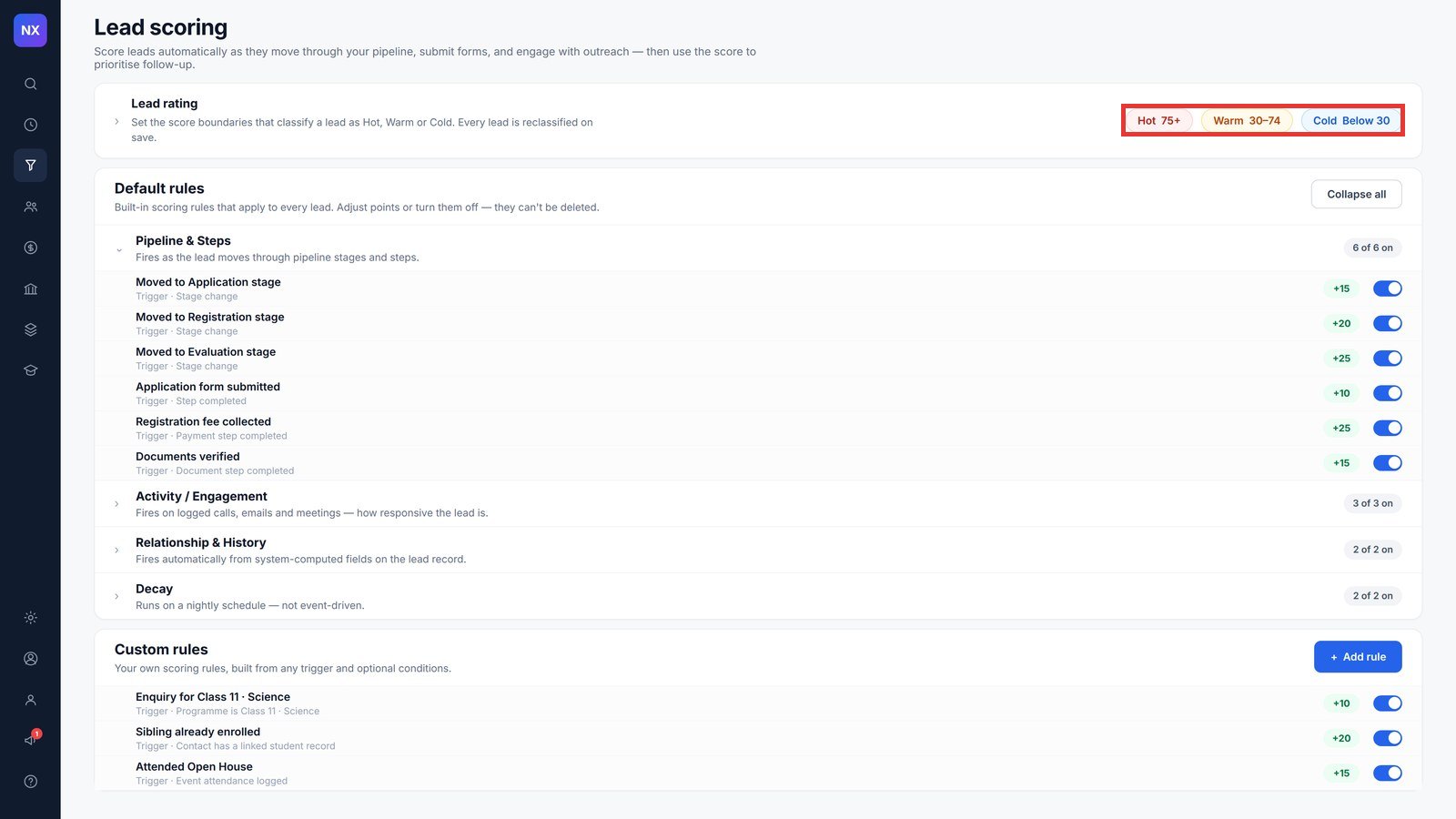
- Open Lead rating and set the boundaries, for example Hot 75+, Warm 30–74, Cold below 30.
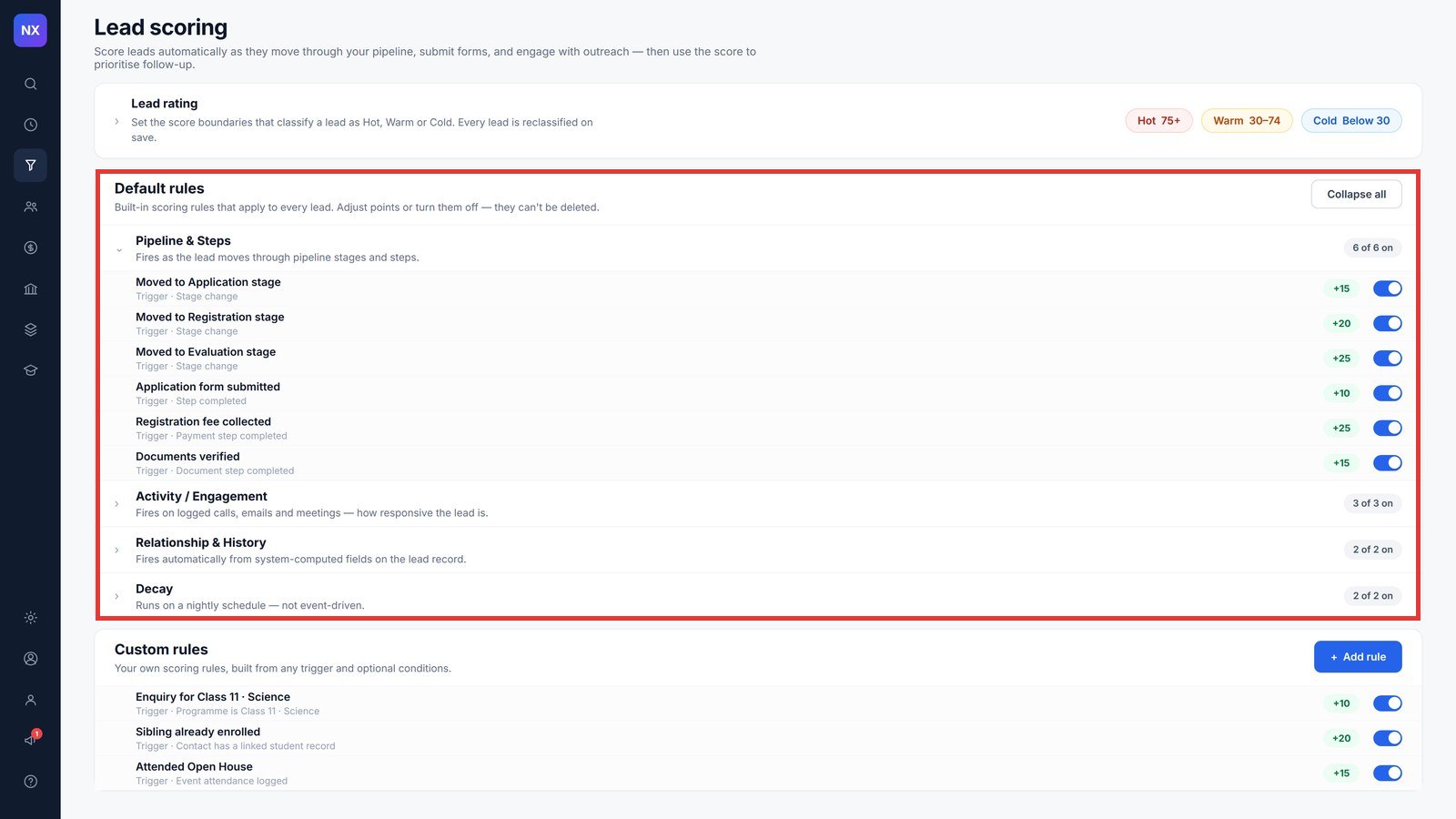
- Under Default rules, change the points for a rule or turn it off with the toggle. Rules are grouped into Pipeline & Steps, Activity / Engagement, Relationship & History, and Decay.
- To add your own rule, click + Add rule under Custom rules, for example +20 for Sibling already enrolled.
Note: Every lead is reclassified when you save new boundaries. Default rules cannot be deleted, only adjusted or turned off. Decay rules run nightly and reduce the score of leads that go quiet.
Was this article helpful to you?
Yes0
No0