

The Fee Type Code is used to uniquely identify a fee type, even when multiple fee types have the same name. It acts as a unique identifier for the system to differentiate between similar fee types.
Where to Configure?
You can create or edit the Fee Type Code by :
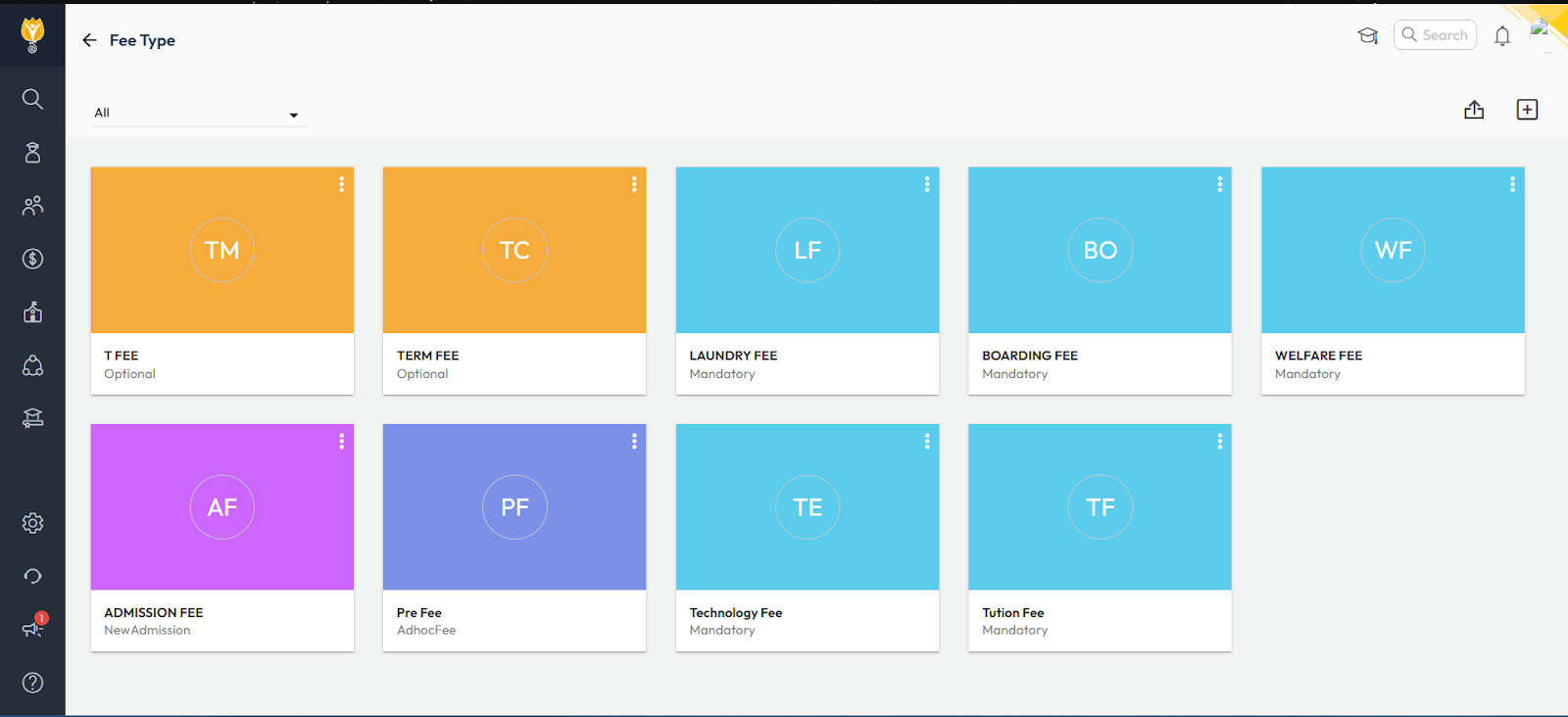
Navigate to Settings > Finance > Fee > Fee Type
- Create a New fee type with a code:
- Click the Add button in the top-right corner.
- Enter the fee type name and assign a unique Fee Type Code.
- Save the new fee type.
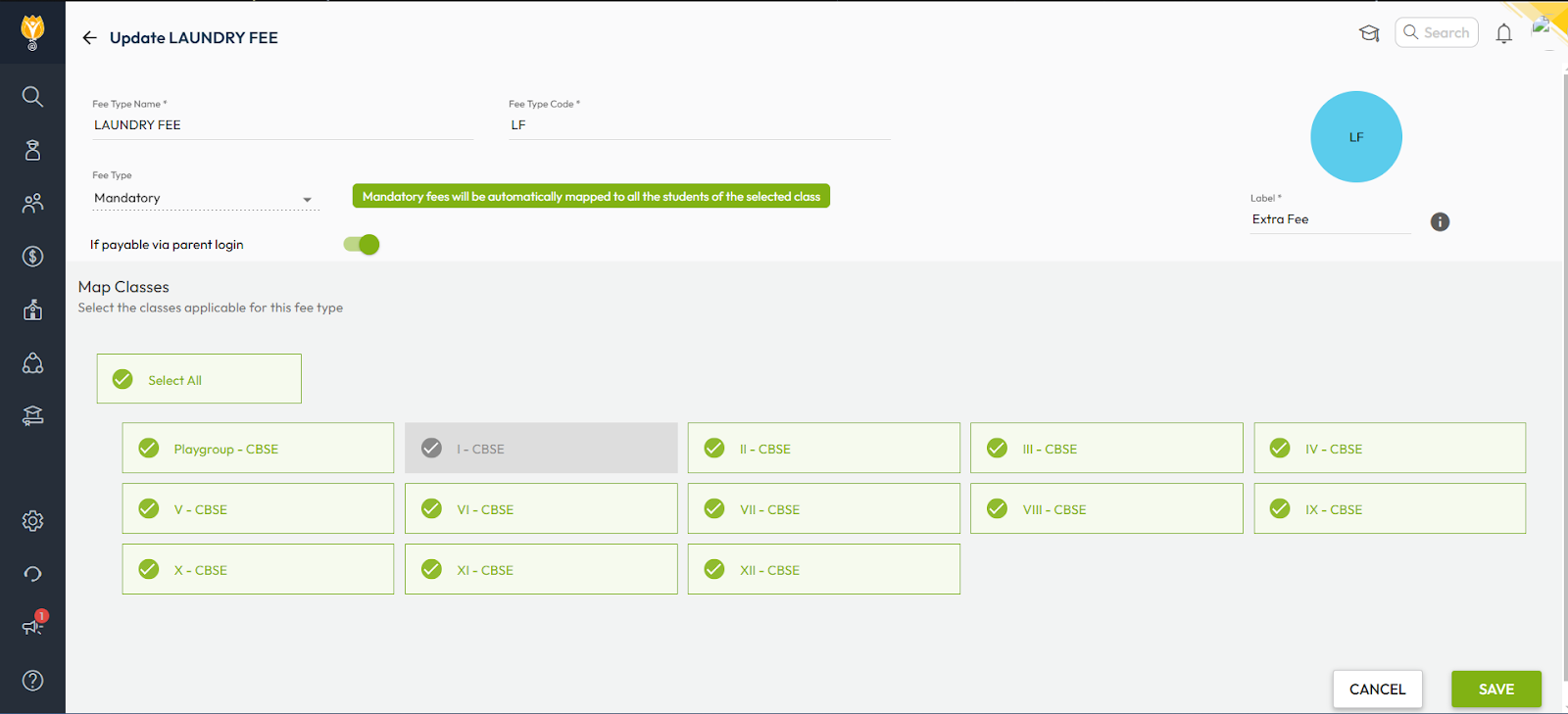
- To Edit an existing fee type code:
- Go to the desired fee type.
- Click the three-dot menu next to it and select Edit.
- Change the Fee Type Code as needed and save.
Video Tutorial :
Was this article helpful to you?
Yes2
No0