

- Go to Students > Admission > Manage Admission.
- Click on the Confirmation tab and select the shortlisted student who is yet to be confirmed.
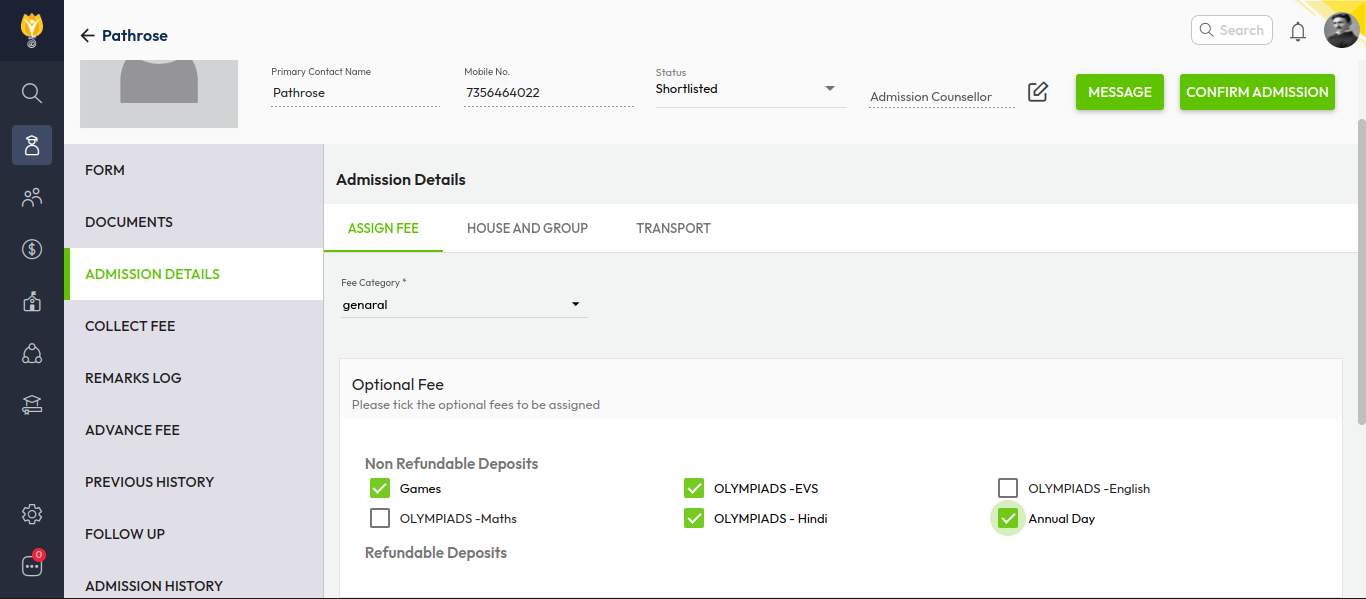
- In the Admission Details section, select the required Fee Category.
- Choose the Optional Fees (if applicable) by ticking the checkbox.
- Click Save to apply the selections.
Video Tutorial :
Was this article helpful to you?
Yes0
No0