

- Log in to the NextOS App as a parent.
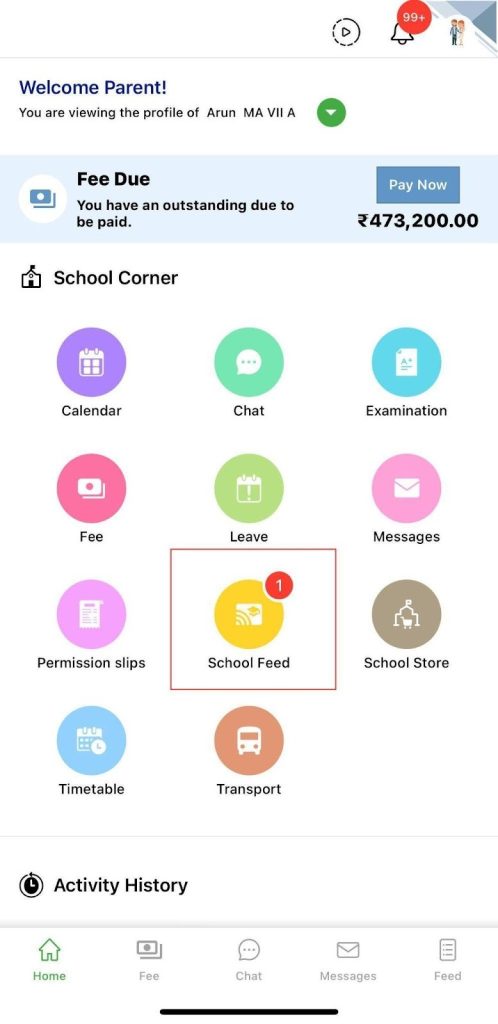
- Click on the School Feed icon on the home screen.
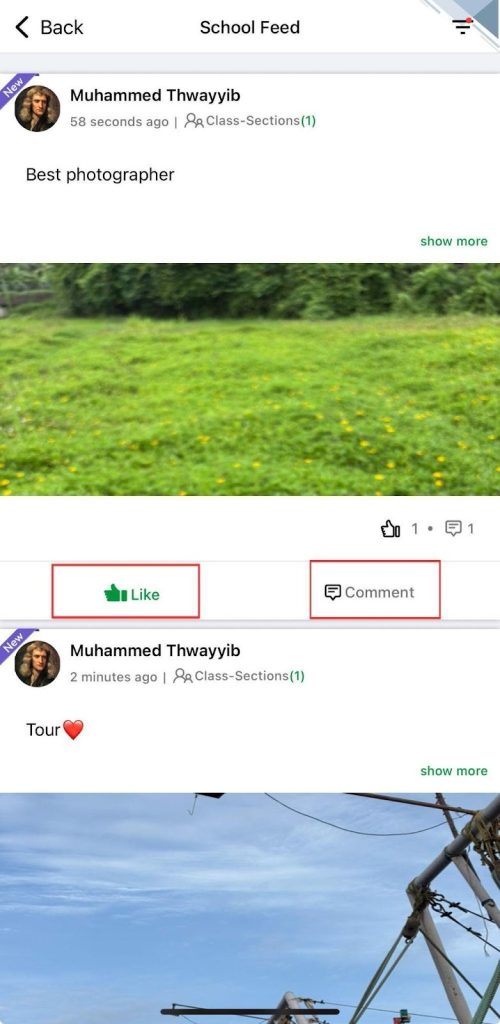
- To like a post shared by the school or teacher, click on the Thumbs-up icon.
- To comment on a post, click on the Comment icon and type your comment.
 |  |
Was this article helpful to you?
Yes0
No0