

To apply late payment fines on pending dues from previous academic sessions, you first need to switch to that session and then update the fine settings.
- Switch to the previous academic session using the Academic Session selector.
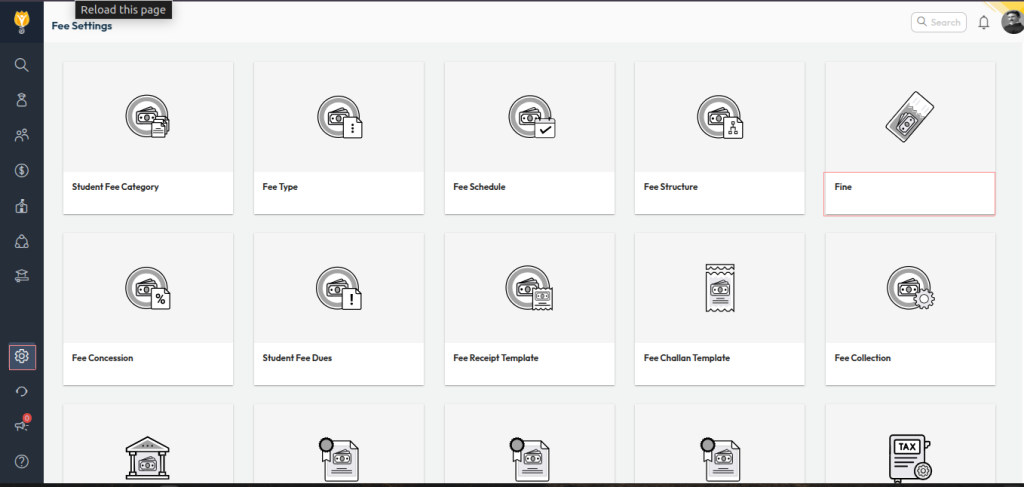
- Navigate to: Settings > Finance > Fee
- Open Fine
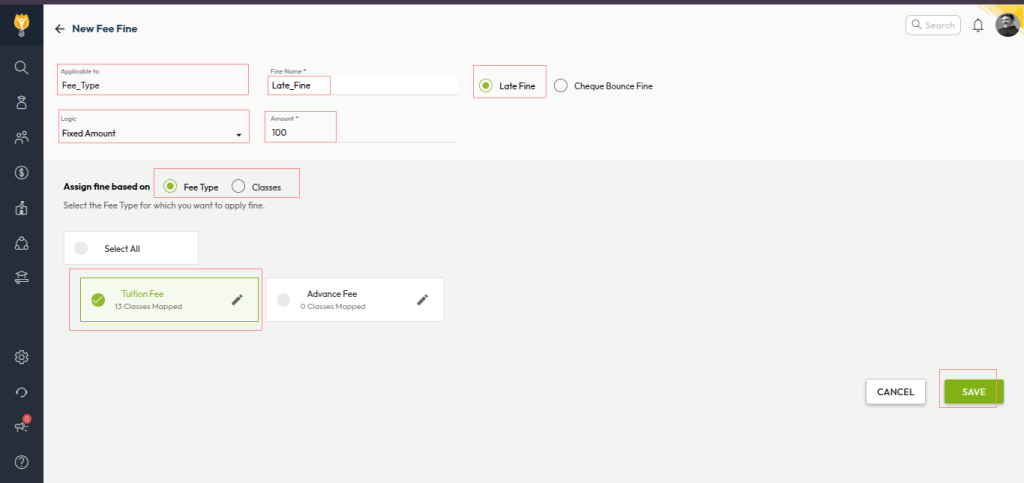
- Configure the fine rules as required (e.g., per day, fixed amount, slab-based).
- Click Save to apply the settings.
Video Tutorial :
Was this article helpful to you?
Yes0
No0