

Settings > Collaboration > Communication > Chat Settings Under Engagement
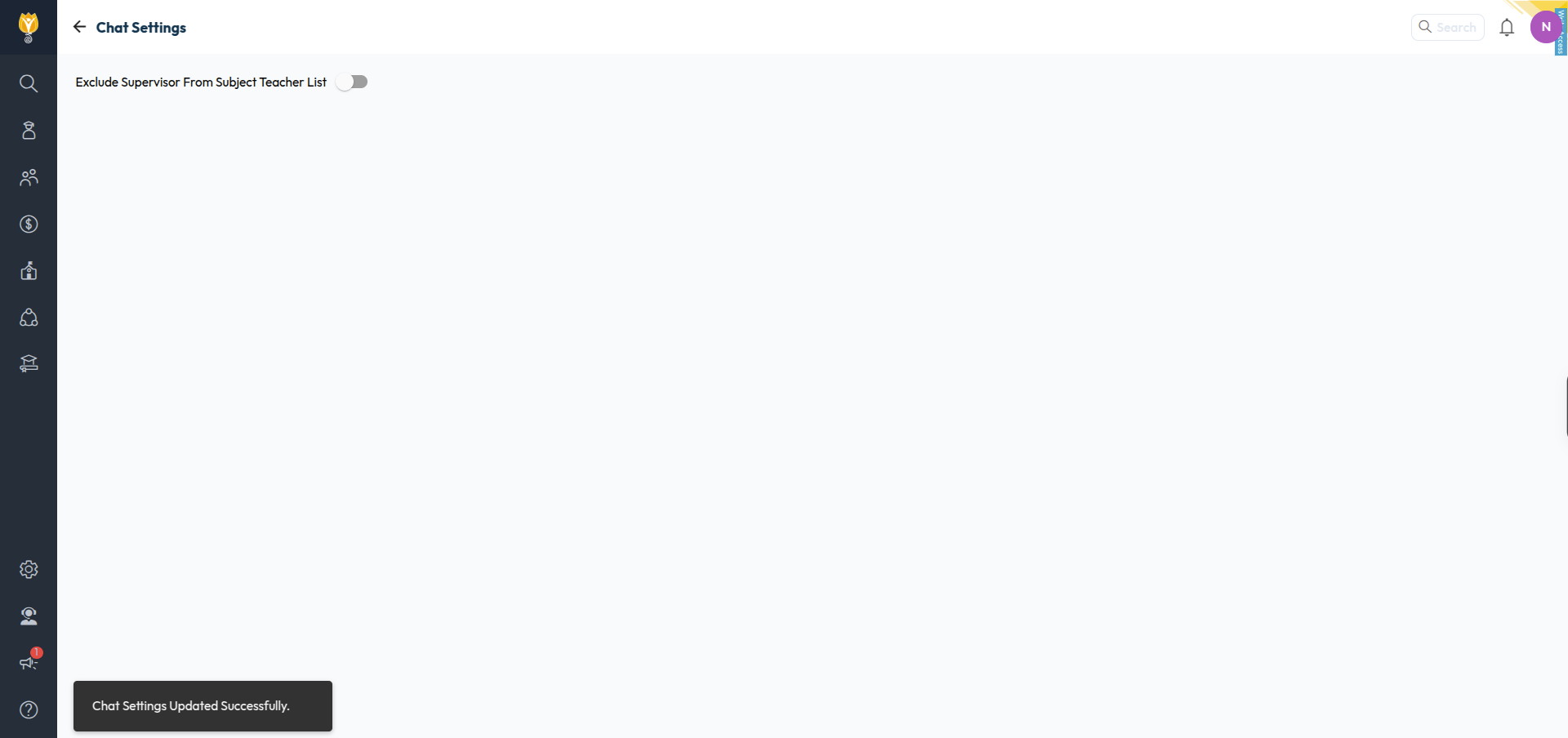
Turn this on to keep supervisors out of the subject teacher list used by Chat.
Open Chat Settings.
Turn on Exclude Supervisor From Subject Teacher List.
The change saves right away. You will see “Chat Settings Updated Successfully.”
Was this article helpful to you?
Yes0
No0