

Communication > School Feed > gear icon (bottom right)
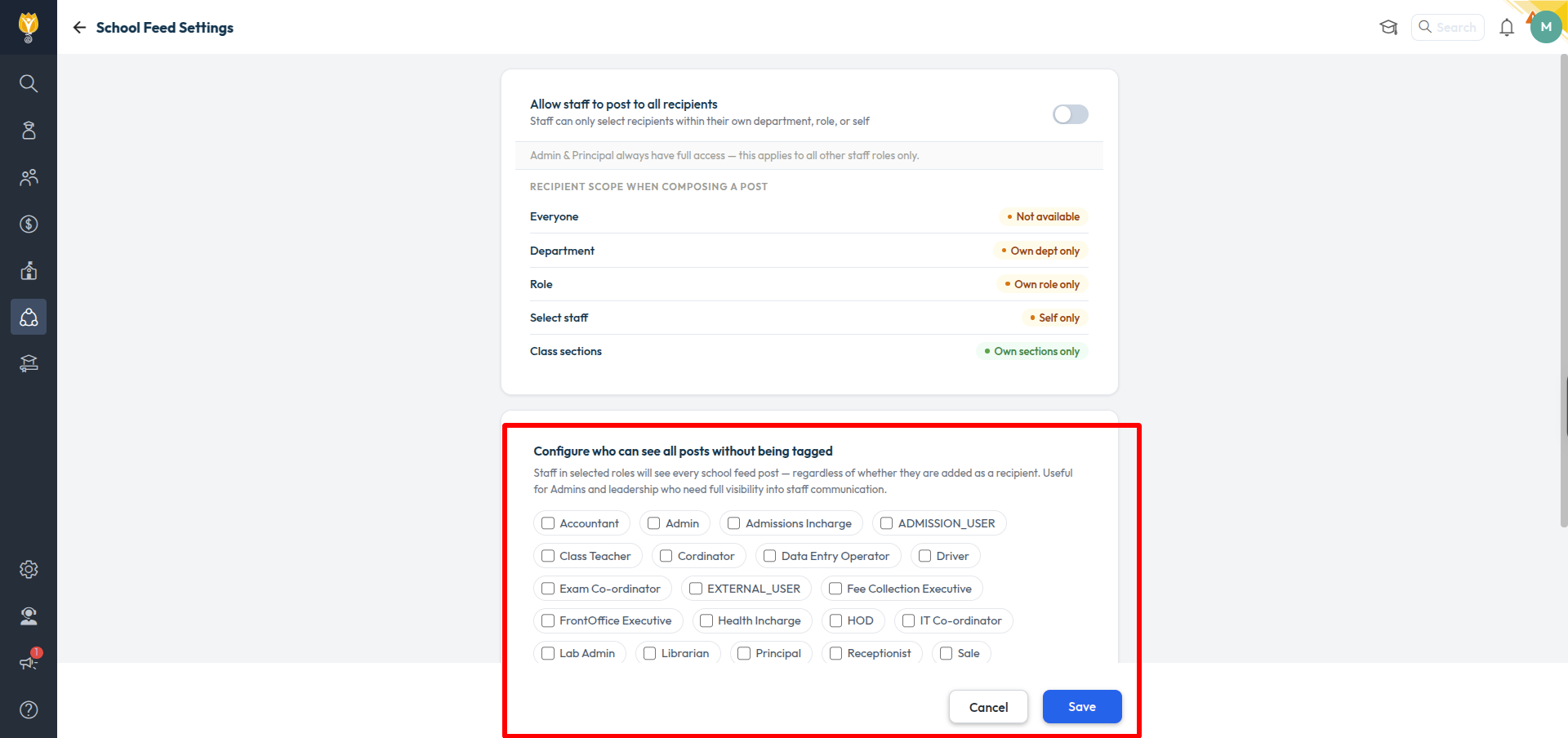
Staff in the roles you select will see every School Feed post, whether or not they are added as a recipient. This is useful for admins and leadership who need full visibility into staff communication.
- Open School Feed and click the gear icon at the bottom right.
- Under Configure who can see all posts without being tagged, tick the roles you want.
- Click Save.
Was this article helpful to you?
Yes0
No0