

 > Attendance > Student Attendance
On the Mark Attendance page, the attendance status can be marked without using the mouse. This is faster when marking a large class.
The shortcuts apply to the student row that is currently highlighted.
- P – Mark the student Present
- A – Mark the student Absent
- H – Mark the student Half-day
- ↑ ↓ – Move to the previous or the next student
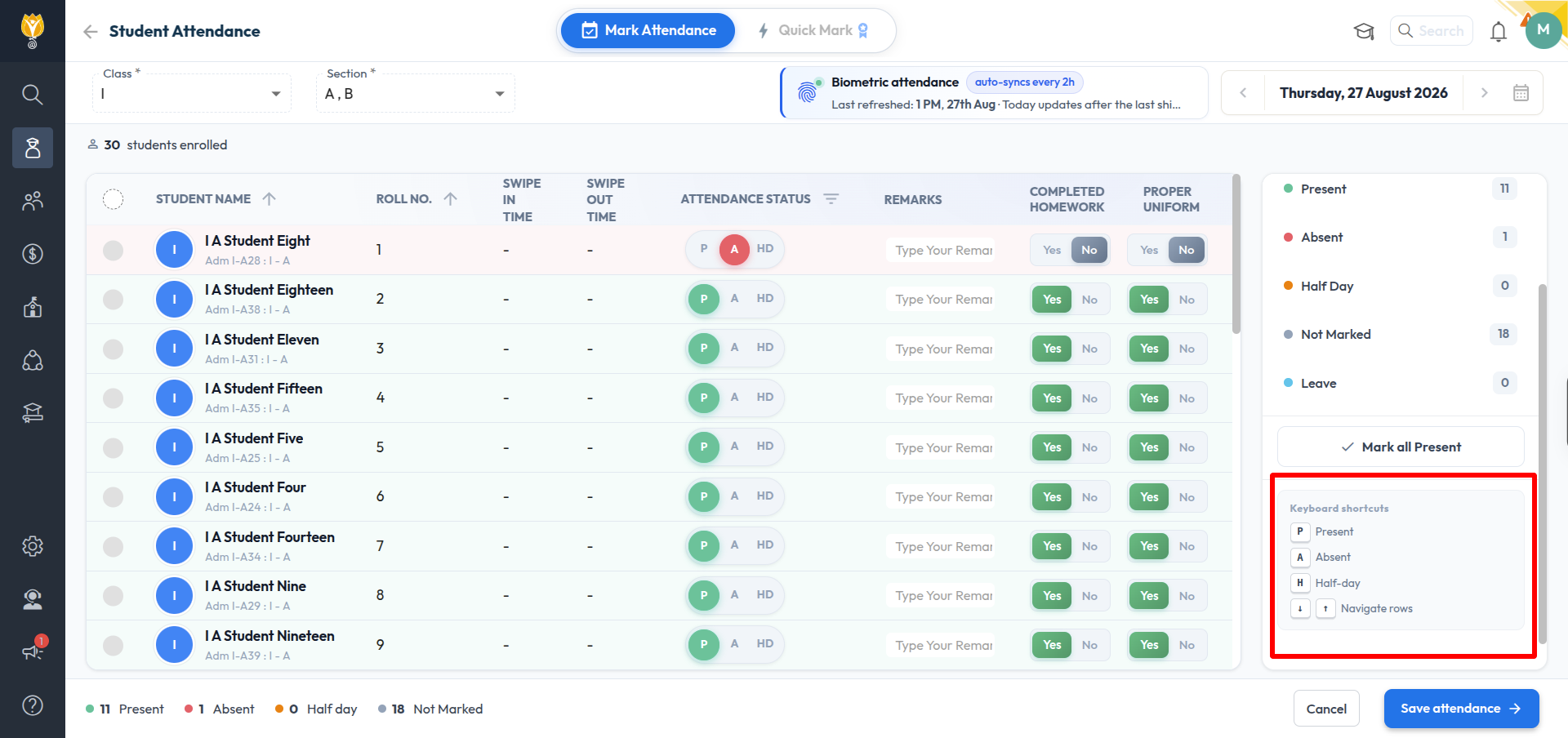
The list of shortcuts is also displayed in the panel on the right of the page, below the status counts.
NOTE:
- The shortcut keys do not work while the cursor is inside the Remarks box. Select a student row again before using them.
- On the Quick Mark page, press Alt + S to save the attendance.
Was this article helpful to you?
Yes0
No0