

 > Settings > Admission > Pipelines & Stages > select pipeline > select stage
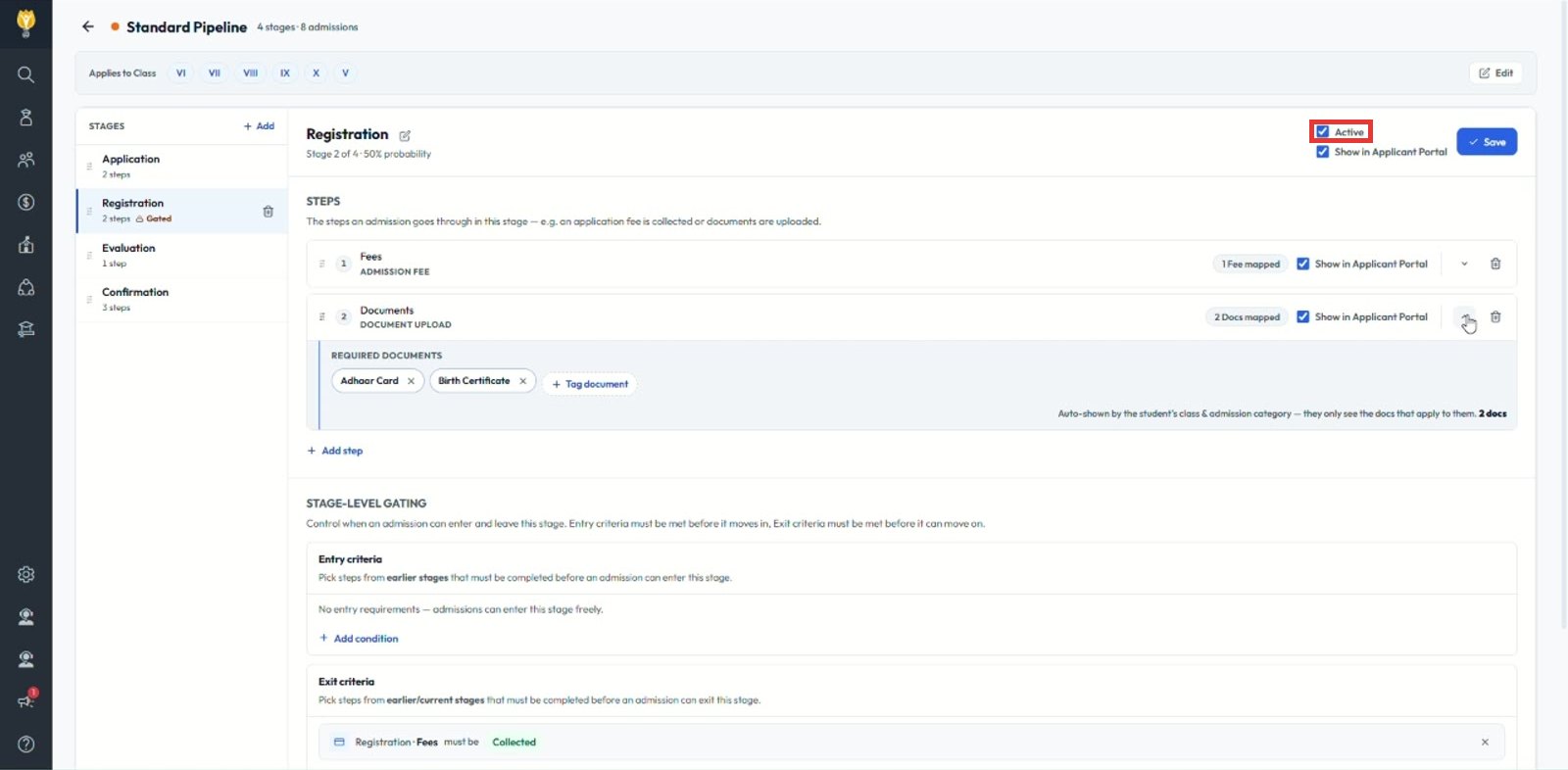
Use the Active box when a stage is no longer needed but its history should be kept.
- Select the stage.
- Untick Active.
- Click Save.
Note: Move any admissions still in the stage before making it inactive.
Was this article helpful to you?
Yes0
No0