

 > Settings > Admission > Pipelines & Stages
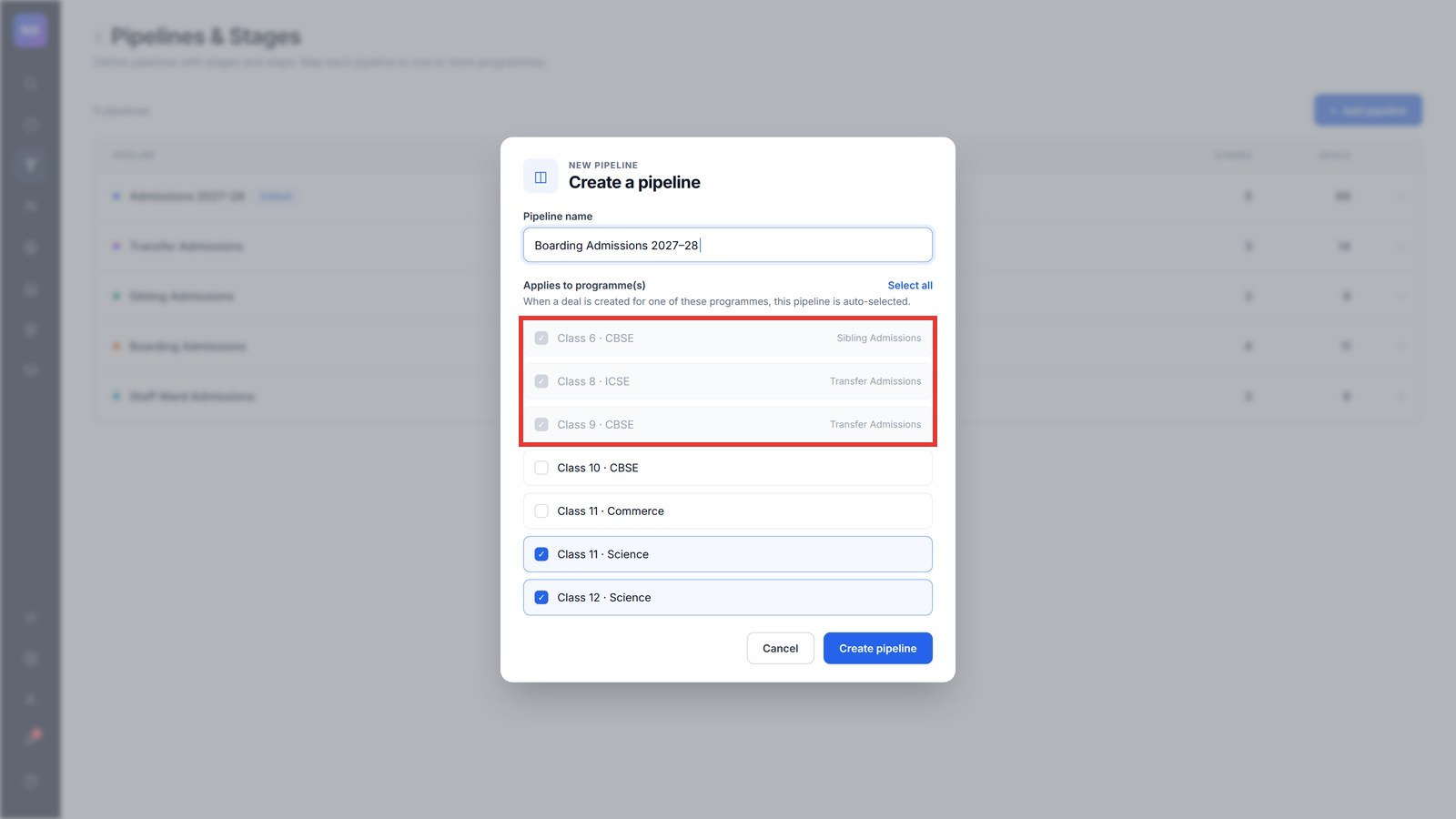
A class can belong to only one pipeline, so the system always knows which process to follow. Classes already mapped elsewhere appear greyed out in the list, with the name of the pipeline that uses them.
- Note the pipeline name shown next to the greyed-out class.
- Open that pipeline and click Edit next to Applies to Class.
- Untick the class and save.
- Return to your pipeline. The class can now be selected.
Was this article helpful to you?
Yes0
No0