

 > Settings > Admission > Pipelines & Stages > select pipeline > select stage
Add the activity as a step in the stage where it happens.
- Campus tour or interview – click + Add step, choose Manual task and name it, for example Campus tour.
- Document verification – add a Document upload step, then add an exit criterion that the documents must be Verified.
- Entrance test – add an Assessment step.
- Click Save.
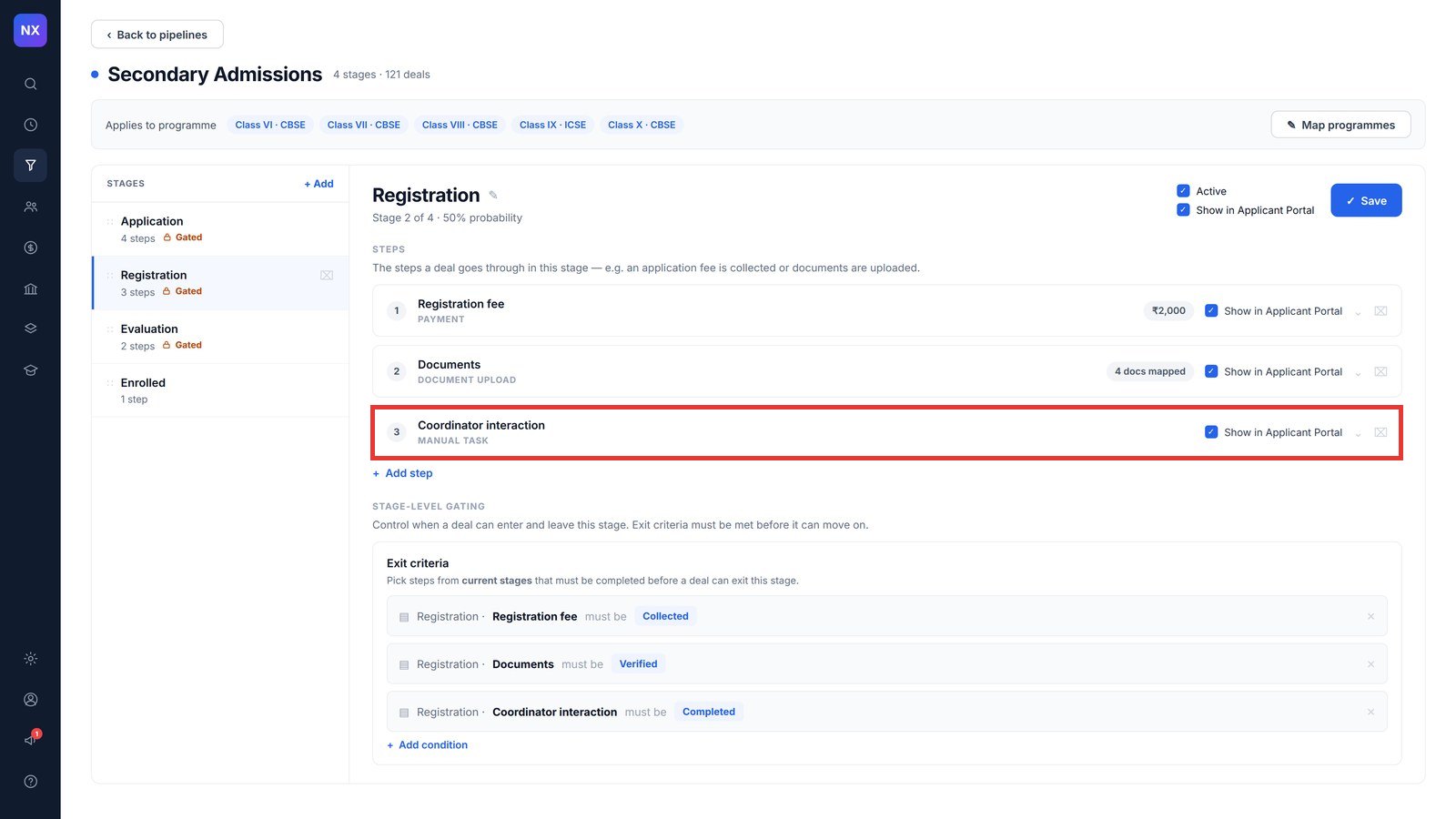
Note: To stop an admission moving ahead until the activity is done, add the step to the stage’s exit criteria.
Was this article helpful to you?
Yes0
No0