

You can easily generate a fee due report that includes outstanding fees from the previous session. Follow the steps below to navigate and download the report:
- Navigate to Finance > Fee > Fee Reports
- Click Fee Due Report.
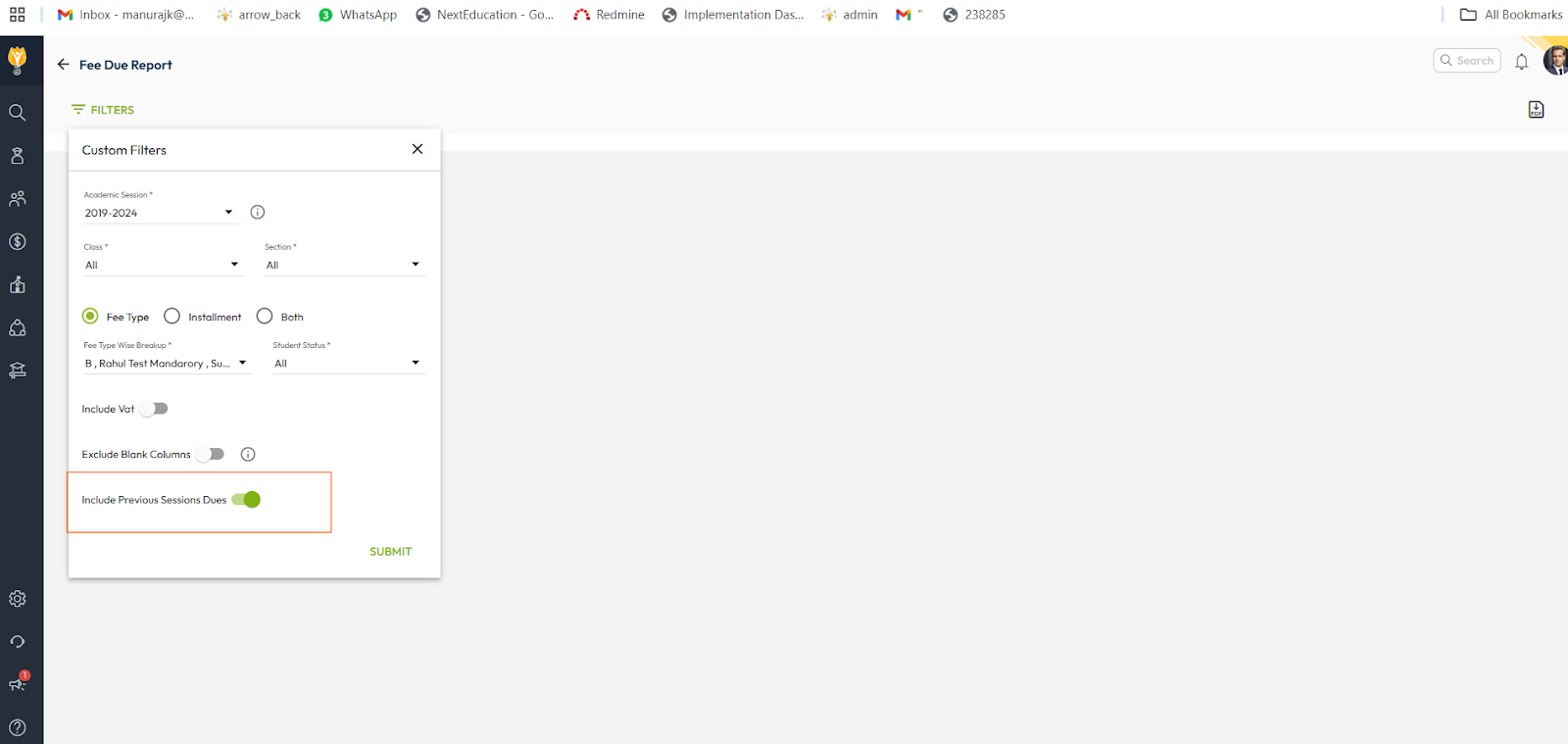
- On the Fee Due Report page, enable the toggle button labelled “Include Previous Sessions Dues” and fill in the other required information.
- Click Submit to generate the report.
- You can also download the report in Excel format.
Video Tutorial :
Was this article helpful to you?
Yes0
No0