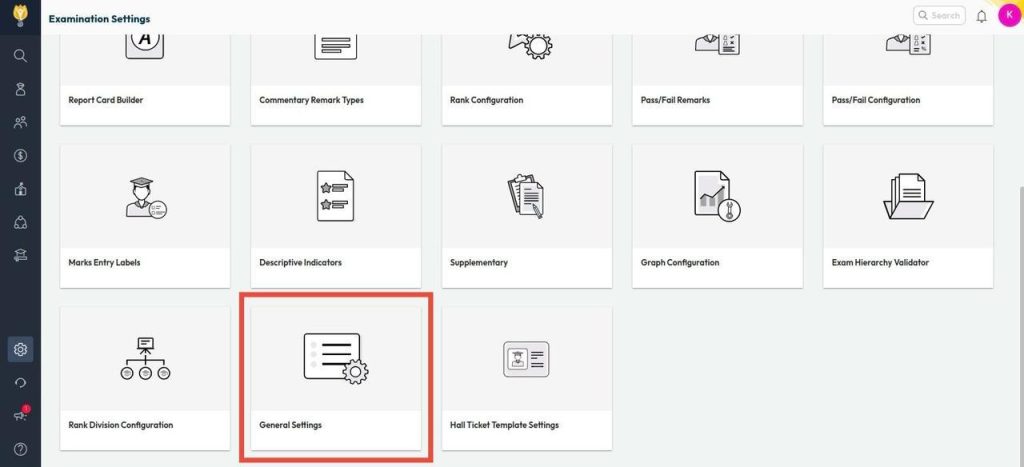
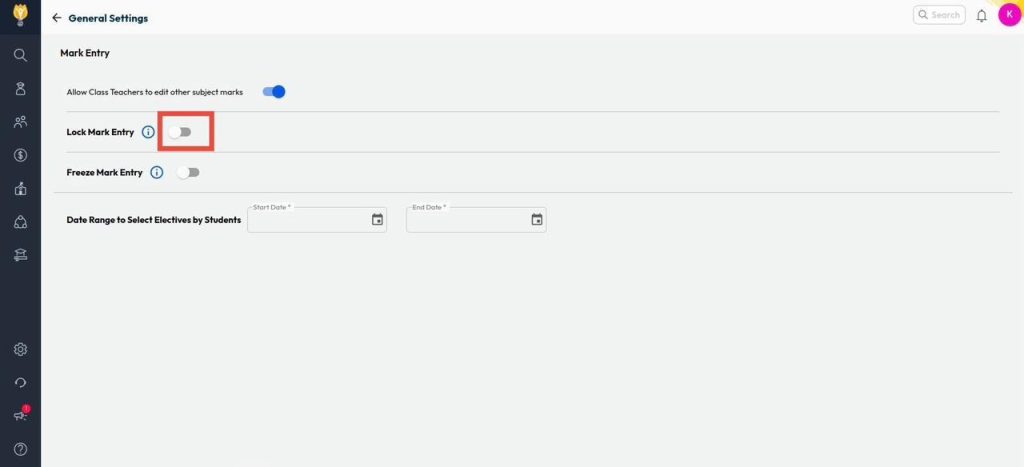
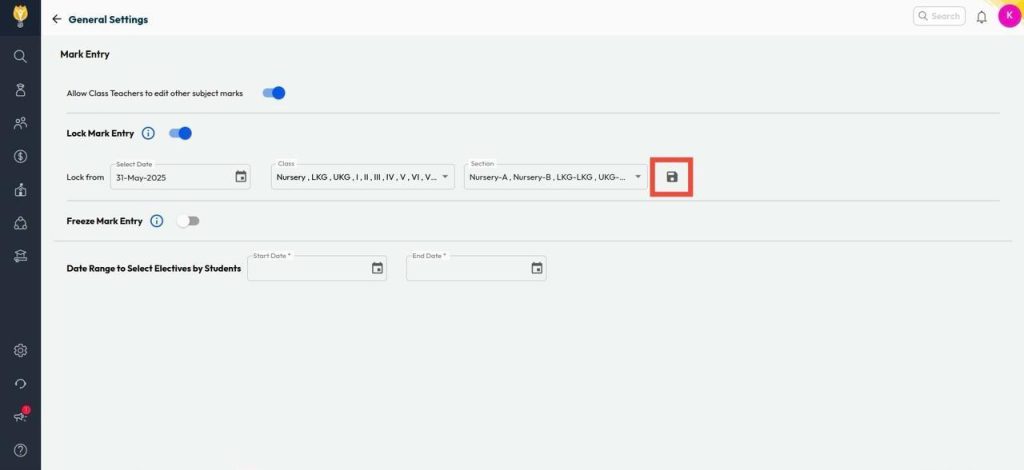
How can I lock marks entry? Navigate to Settings > Student > Examination. Click on General Settings. Turn on the toggle against Lock Mark Entry. Select the Date,Class and Section. Click on Save. Video Tutorial : Was this article helpful to you? Yes0 No0 Related Posts:Can I configure different document types for…How can I configure a campus tour, document…How can I mark all the students as Present at once?How can I mark the attendance using the keyboard?How can I view the attendance status of the entire month?What can I do in a conversation?