

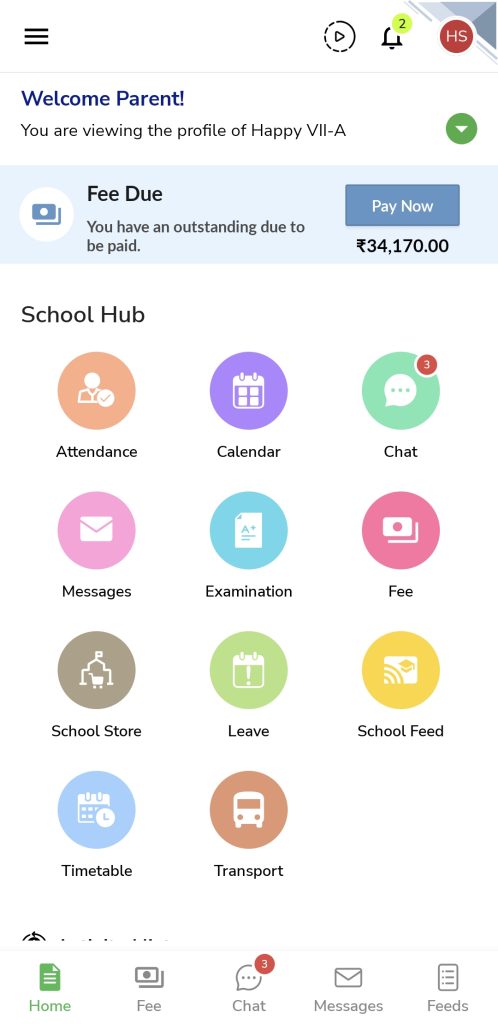
- Open the NextOS Mobile App.
- Login into the Parent account.
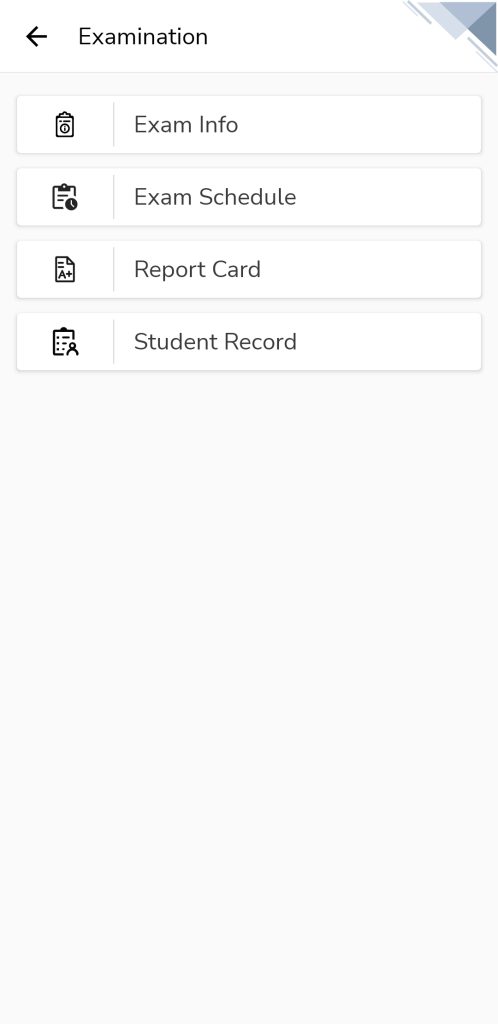
- Tap on Examination.
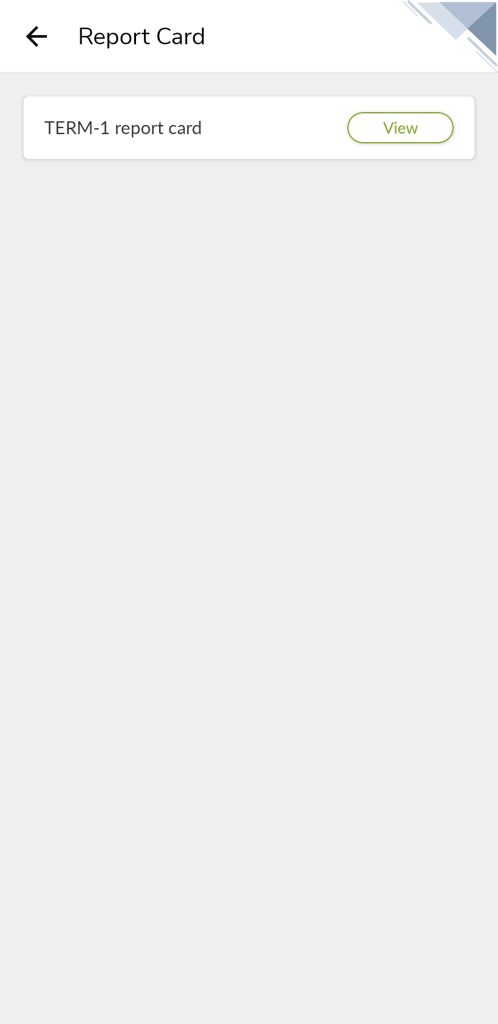
- Tap on Report card, and click on the available report card to view.
Note: If report card is not available to view, this may be because school haven’t published it to parents yet. Please contact school administrator in that case.
 |  |  |
Was this article helpful to you?
Yes0
No0