

First, we need to create a new academic session. After creating the new academic session, click on the search button and switch to the new academic session. Once the session is changed, follow the steps mentioned below.
- Navigate to : Settings > Finance > Fee > Fee Structure
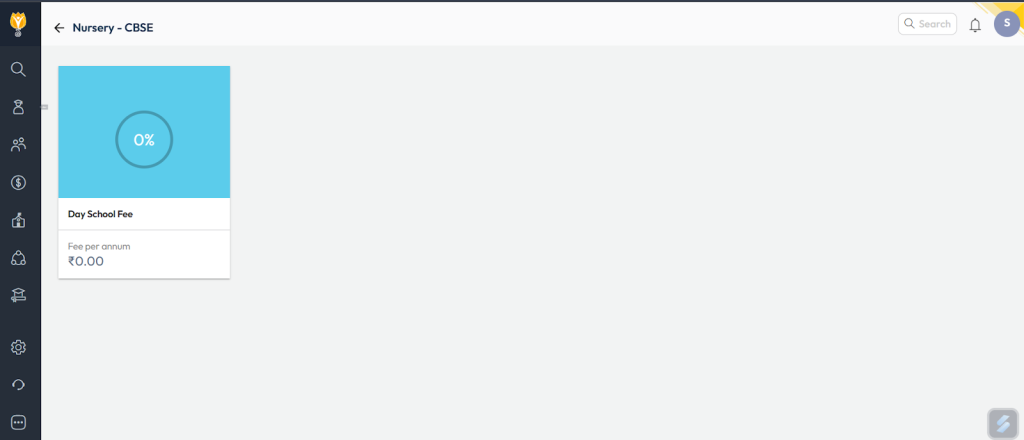
Note: Before fee structure configuration, ensure student fee category, fee type, fee schedule are created. - Select a Class, Student fee category which you have created earlier.
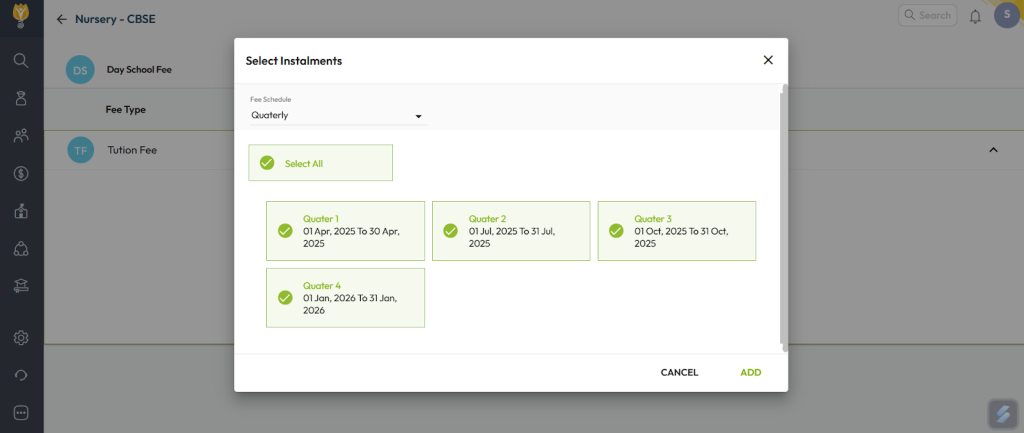
- Click on the arrow mark which is there on the right side of the fee type.And click on add instalments.
- After selecting the instalments, Click on add.
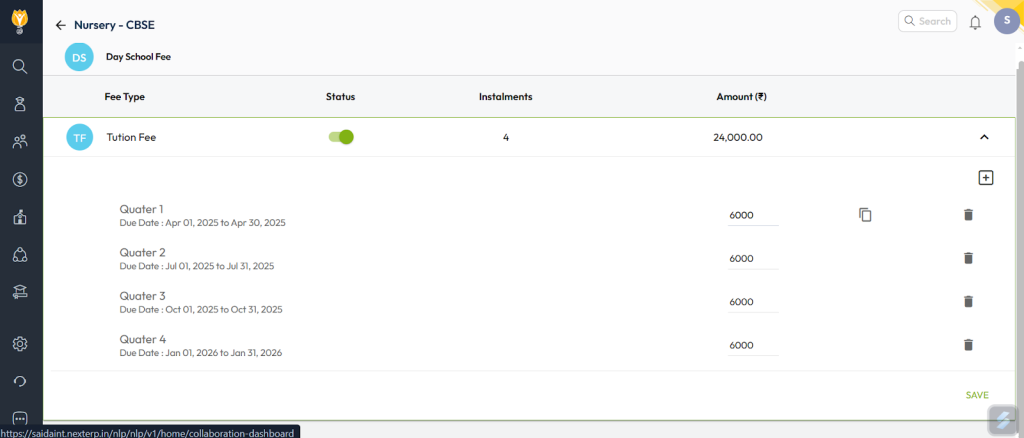
- Enter the amount, Copy the amount if multiple installments are there.
- Click on save.
Video Tutorial :
Was this article helpful to you?
Yes0
No0