

⚠️ Important: Edit the fee receipt template only if you are familiar with the Visual/HTML editor. Incorrect changes may affect the layout or data mapping.
This process can be completed in two parts :
Part 1 : Copy Template Source Code from Previous Session
- Switch to the previous academic year whose fee receipt format you want to copy.
- Navigate to Settings > Finance > Fee > Fee Receipt Template.
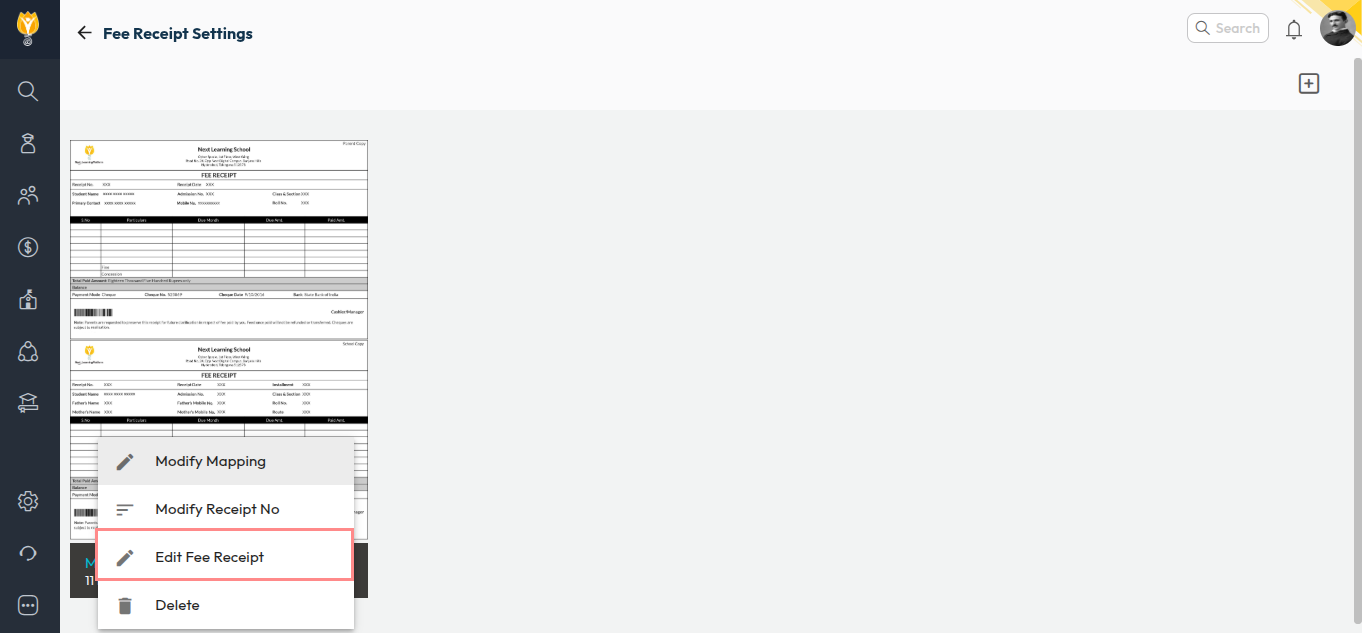
- Click on the three dots next to the fee receipt and select Edit Fee Receipt.
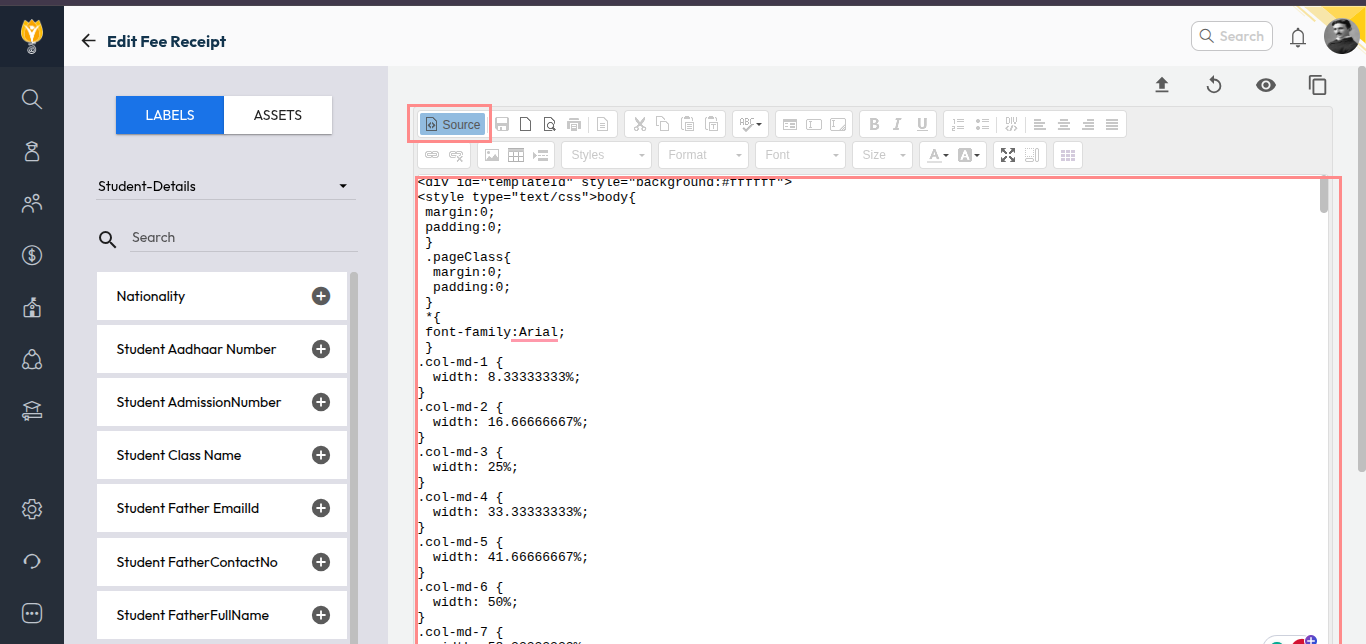
- Click on Source (top-left corner of the editor) and copy the complete source code.
Part 1 : Paster the Template Source Code to Current Session
- Switch back to the current academic year.
- Go to Settings > Finance > Fee > Fee Receipt Template.
- Click on the three dots next to the fee receipt and select Edit Fee Receipt.
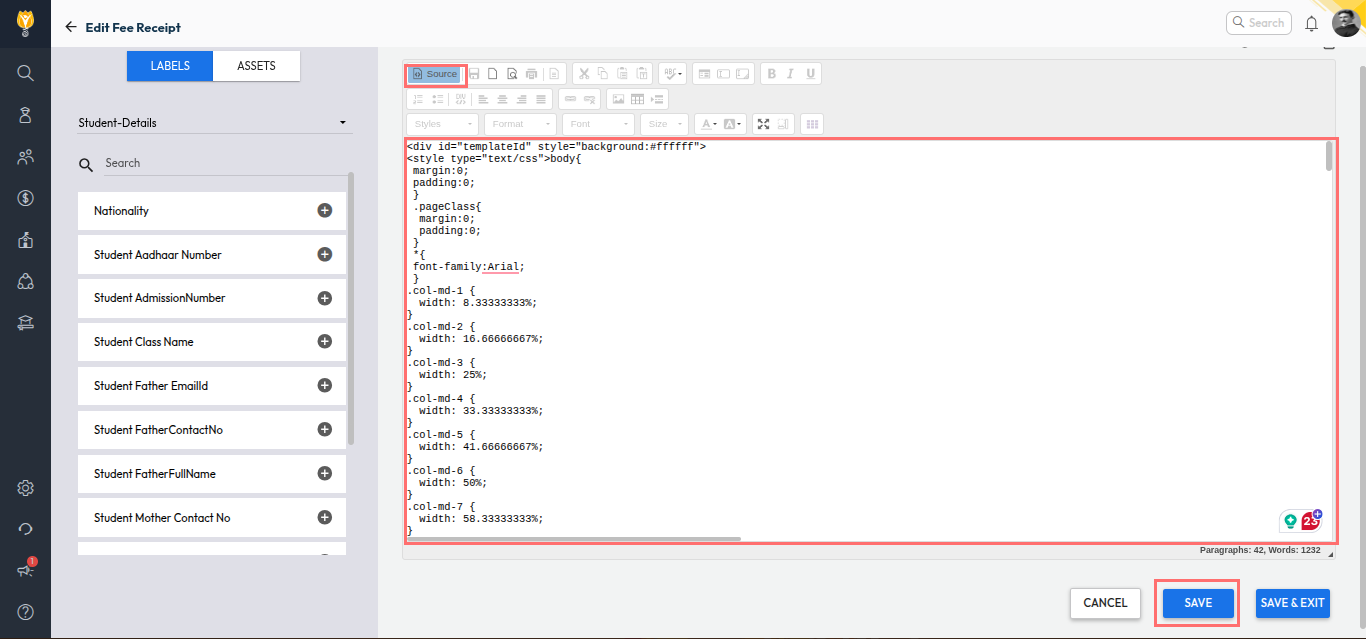
- Open Source, paste the copied code, and click Save.
The current academic year fee receipt will now follow the same design and format as last year’s template.
Video Tutorial :
Was this article helpful to you?
Yes0
No0