

 > Settings > Admission > Pipelines & Stages > select pipeline
You can add or remove classes from a pipeline at any time.
- Open the pipeline.
- Click Edit next to Applies to Class.
- Tick or untick the classes and save.
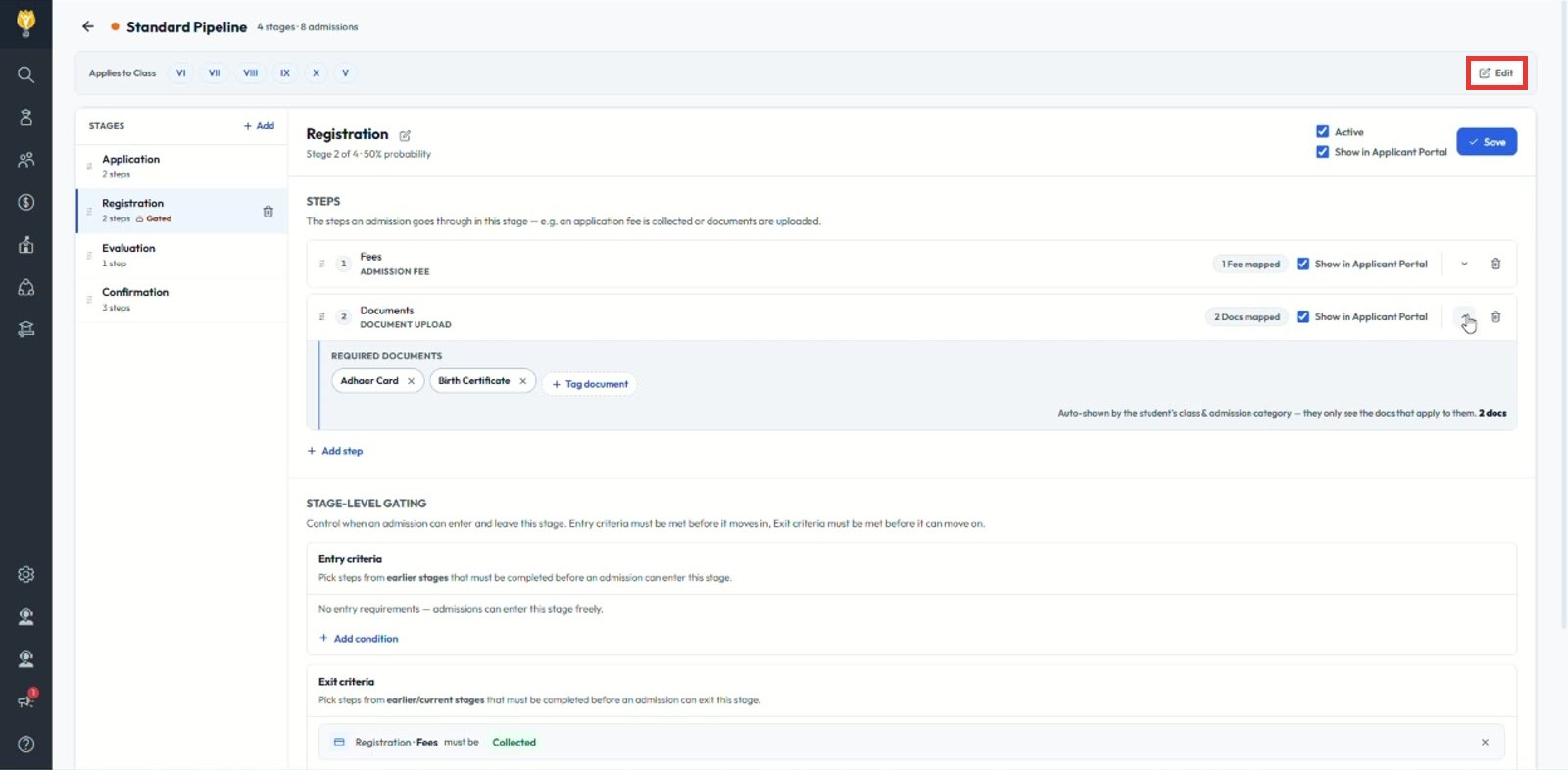
Note: Removing a class does not move admissions already in the pipeline.
Was this article helpful to you?
Yes0
No0