

 > Settings > Admission > Pipelines & Stages
Create one pipeline for each process and map different classes to each. For example, Primary may need only an application and fee, while Class 11 needs an entrance test and interview.
- Create the first pipeline and map its classes, for example LKG, UKG, Class I, Class II.
- Create a second pipeline and map the remaining classes, for example Class VI to Class X.
- Open each pipeline and set up its own stages, steps and criteria.
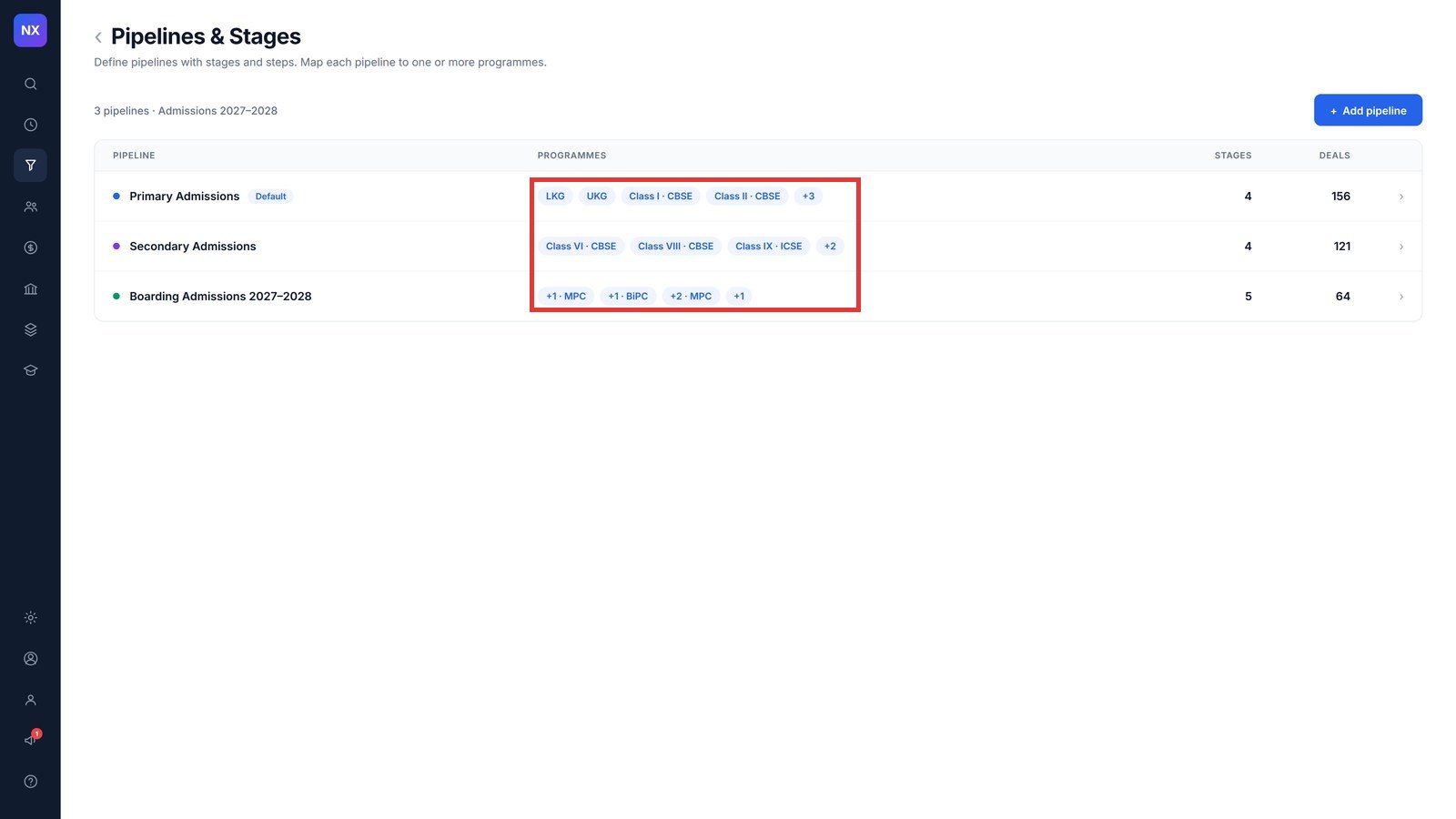
Note: The Pipelines & Stages list shows each pipeline with its mapped programmes, number of stages and number of admissions.
Was this article helpful to you?
Yes0
No0