

 > Settings > Admission > Pipelines & Stages > select pipeline > select stage
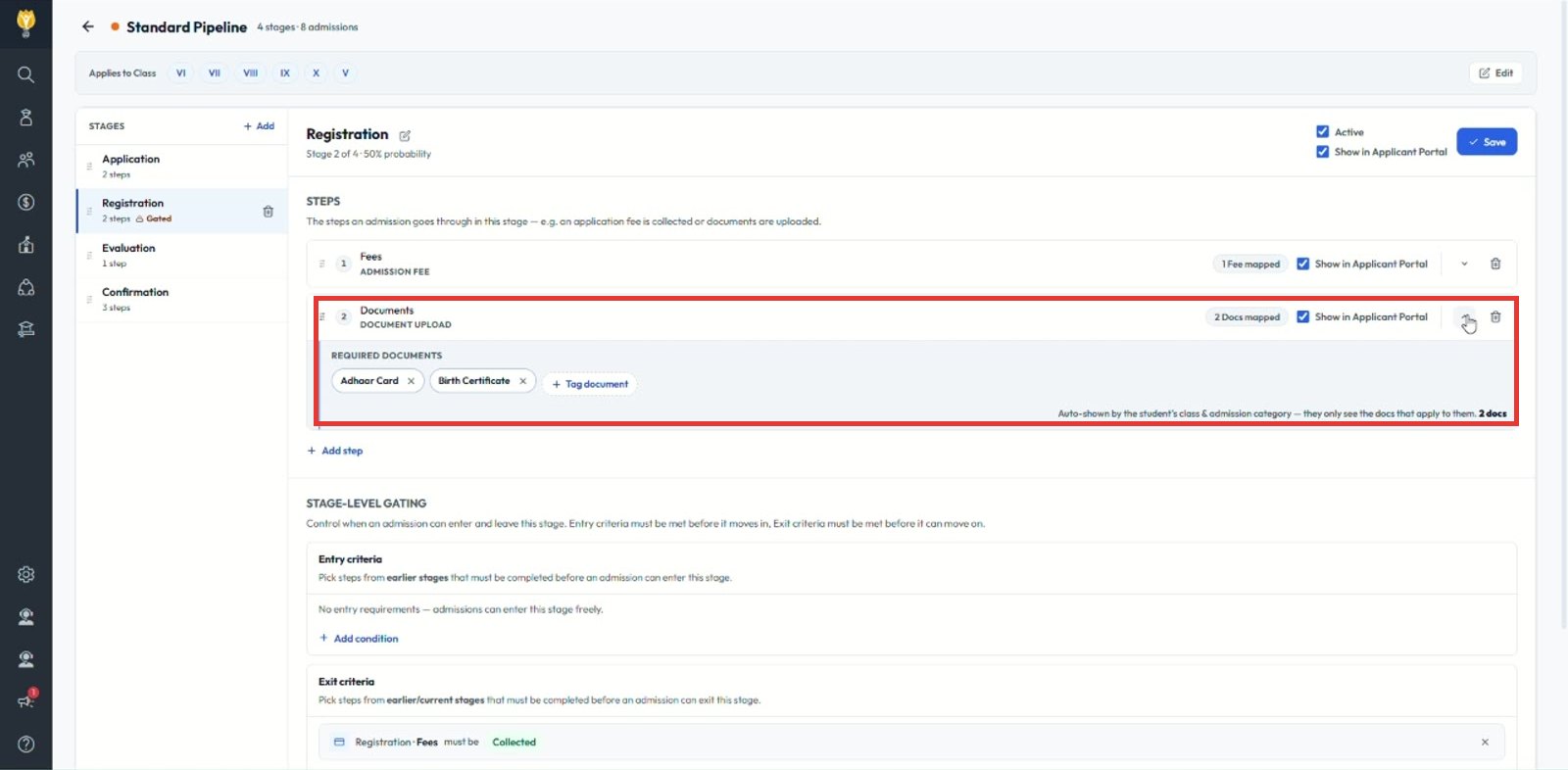
Add a Document upload step and tag the documents to collect.
- Click + Add step and choose Document upload.
- Under REQUIRED DOCUMENTS, click + Tag document and select the documents, for example Aadhaar Card, Birth Certificate.
- Tick Show in Applicant Portal if parents can upload themselves.
- Click Save.
Note: To make staff check each document, add an exit criterion that the documents must be Verified.
Was this article helpful to you?
Yes0
No0