

 > Communication > Chat
Chat in NextOS is a built-in messaging space that lets your school communicate directly with staff and parents — one-to-one or in groups — without leaving the platform. It is available on both Web and the Mobile App.
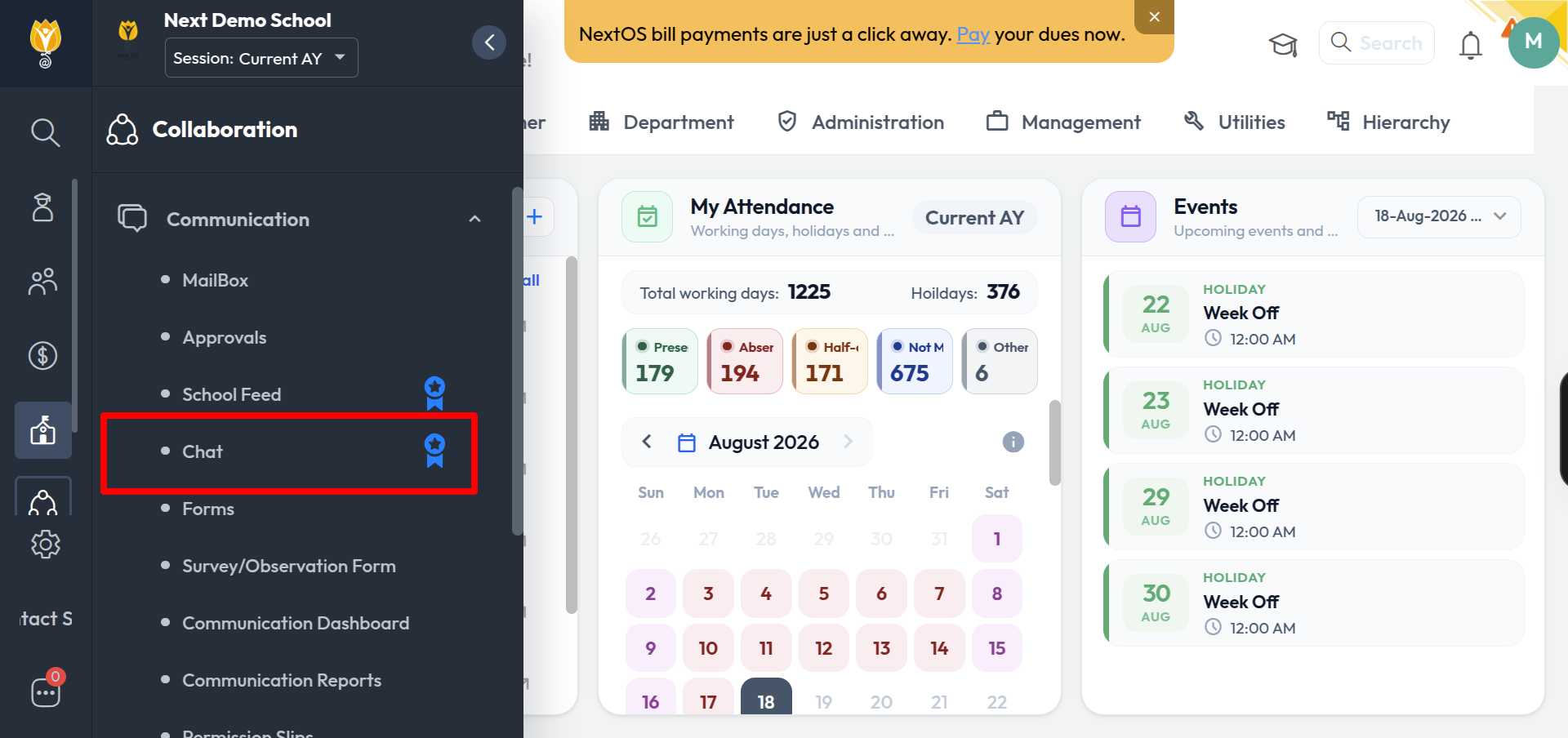
Where to find it
Click the Chat icon on the left navigation panel.
What you can do in Chat
One-to-one chat — Start a direct conversation with a single parent or staff member
User-defined group — Create a custom group and add members manually (e.g. “Dance group for Annual Day”)
System-defined group — Let NextOS auto-create groups by rule (Class Teacher–Parent or Subject Teacher–Parent)
Search — Find a person from the search bar
Filters — Narrow the chat list to Staff, Parent, Groups, or Unread
Attachments — Share files and images within a conversation
Group controls — Assign Group Manager / Monitor roles and control who can send messages