

 > Communication > Chat > group name > Group Monitors
Staff with the Chat Manager role can monitor all conversations. You can also add other staff — such as an HOD or Coordinator — as a Chat Monitor for a single group.
Open the group and click the group name.
Click Group Monitors.
Click Add Monitor.
Select the staff member.
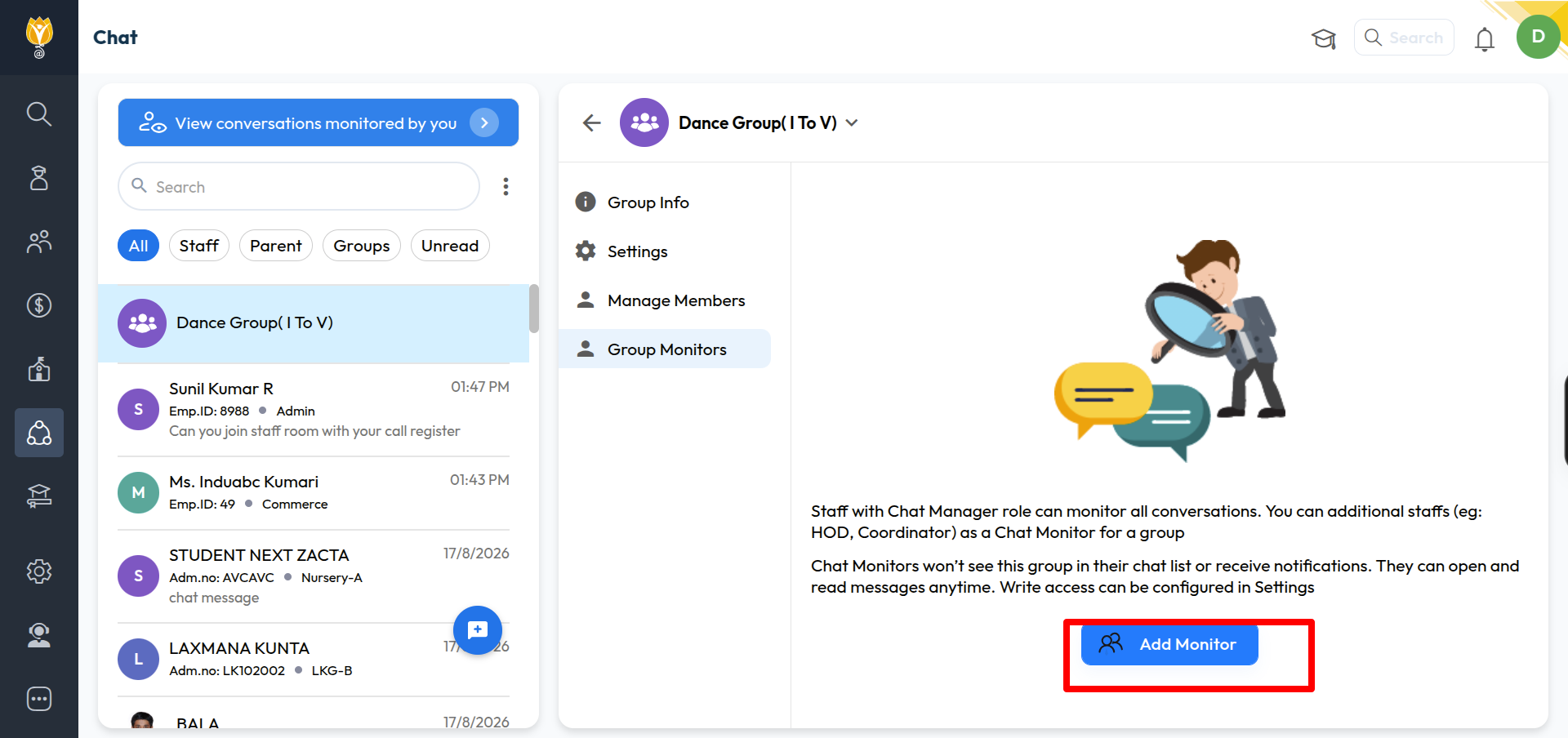
Note: Chat Monitors do not see this group in their chat list and do not get notifications. They can open and read the messages any time.
To let a Monitor send messages, turn on Monitor can send messages under Settings.
Was this article helpful to you?
Yes1
No0