

 > Communication > Chat > open a group > click the group name
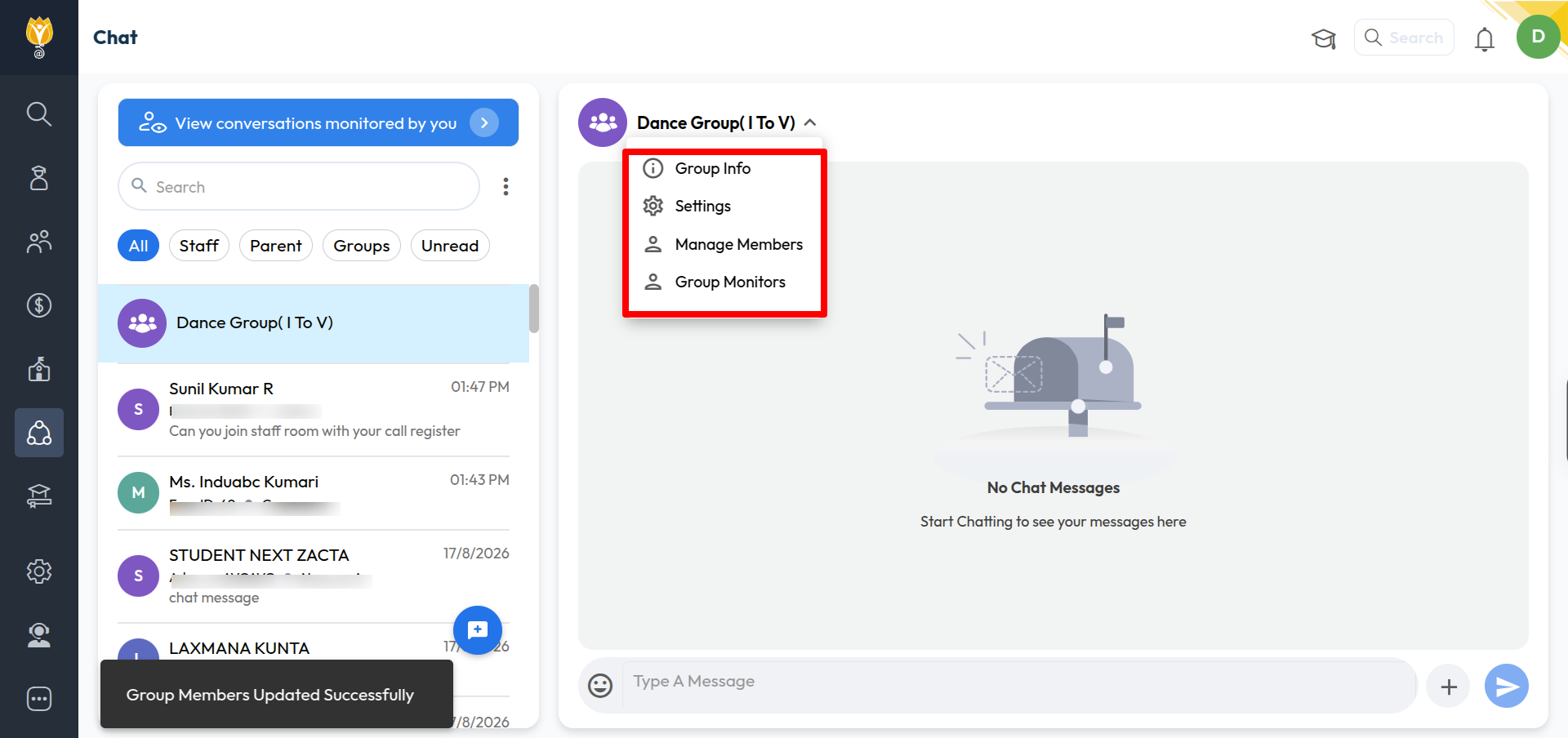
Click the group name at the top of the chat to open the group menu.
Four options:
Group Info — see the group name, description, created by, created date, and group type. You can edit these.
Settings — control who can send messages in the group.
Manage Members — add or remove members, and change their roles.
Group Monitors — see and manage who monitors this group.
Was this article helpful to you?
Yes0
No0